Manage user sessions
Invalidating sessions from the admin portal
You can sign users or admins out in bulk from the admin portal:
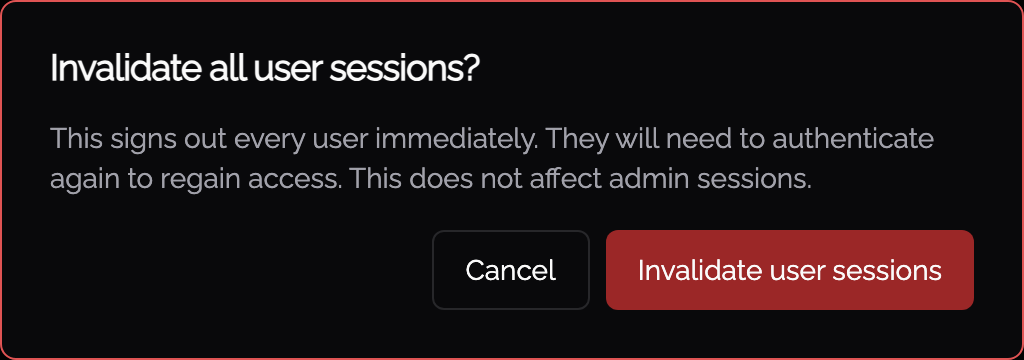
- On the Identities > Users page, Invalidate user sessions signs out every user immediately. They must authenticate again to regain access, and admin sessions are not affected.
- On the Identities > Admins page, Invalidate admin sessions signs out all other admins immediately. Your own session stays active, and affected admins must authenticate again.
Each action asks for confirmation first, and is recorded in the audit log.
Terminating sessions via the API
User sessions can be terminated using the API. This is handy for integration with revocation systems, SOAR/SIEM integrations whereby immediate termination of network access and sessions is desired.
As an Admin, visit the API keys section and choose "Manage user sessions"
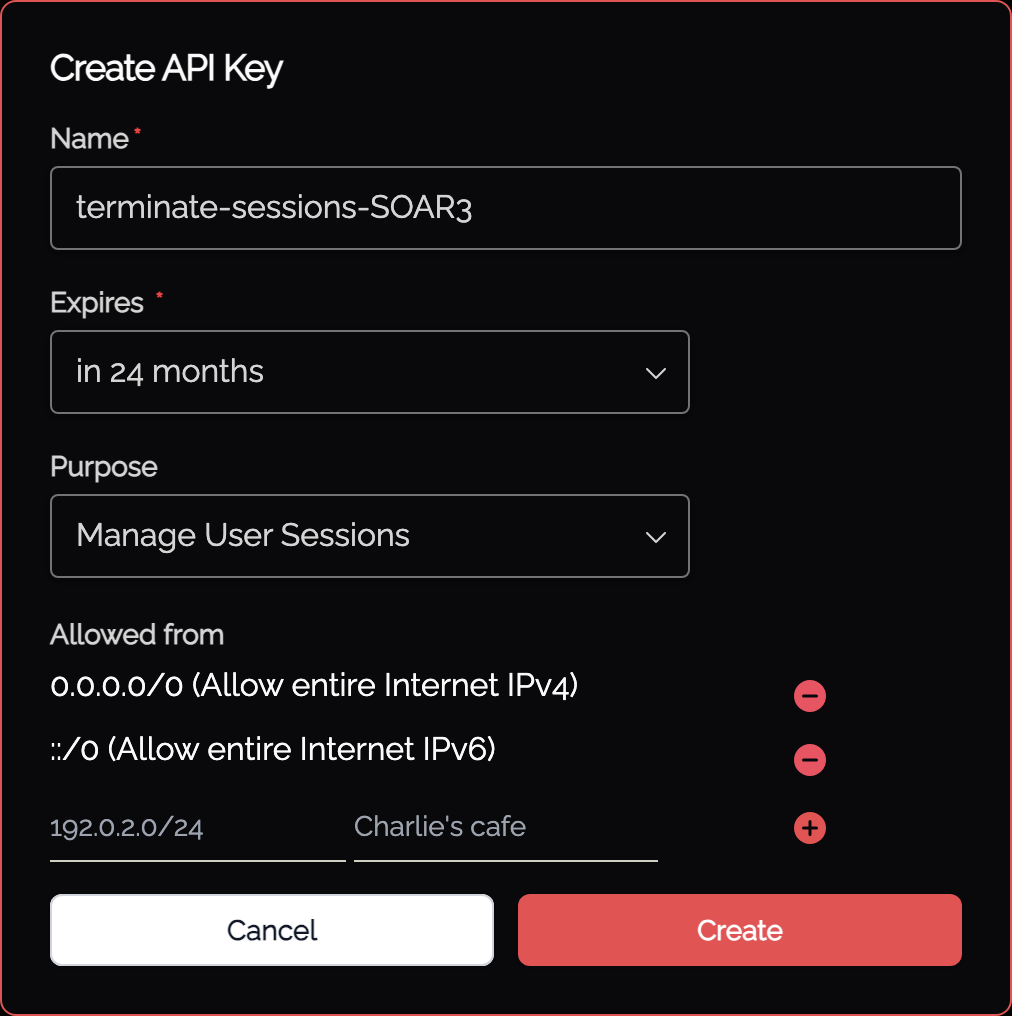
Note the IP restrictions.
Session history
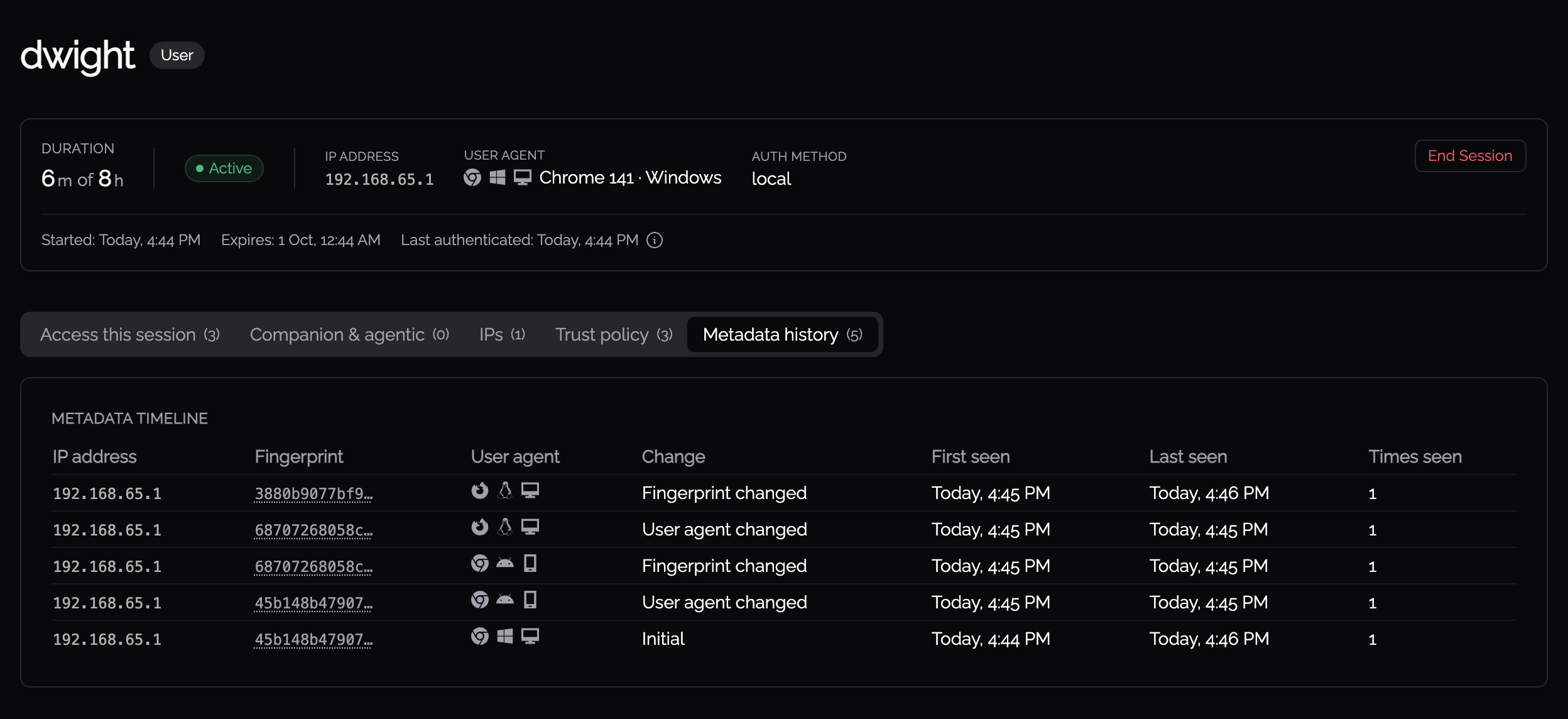
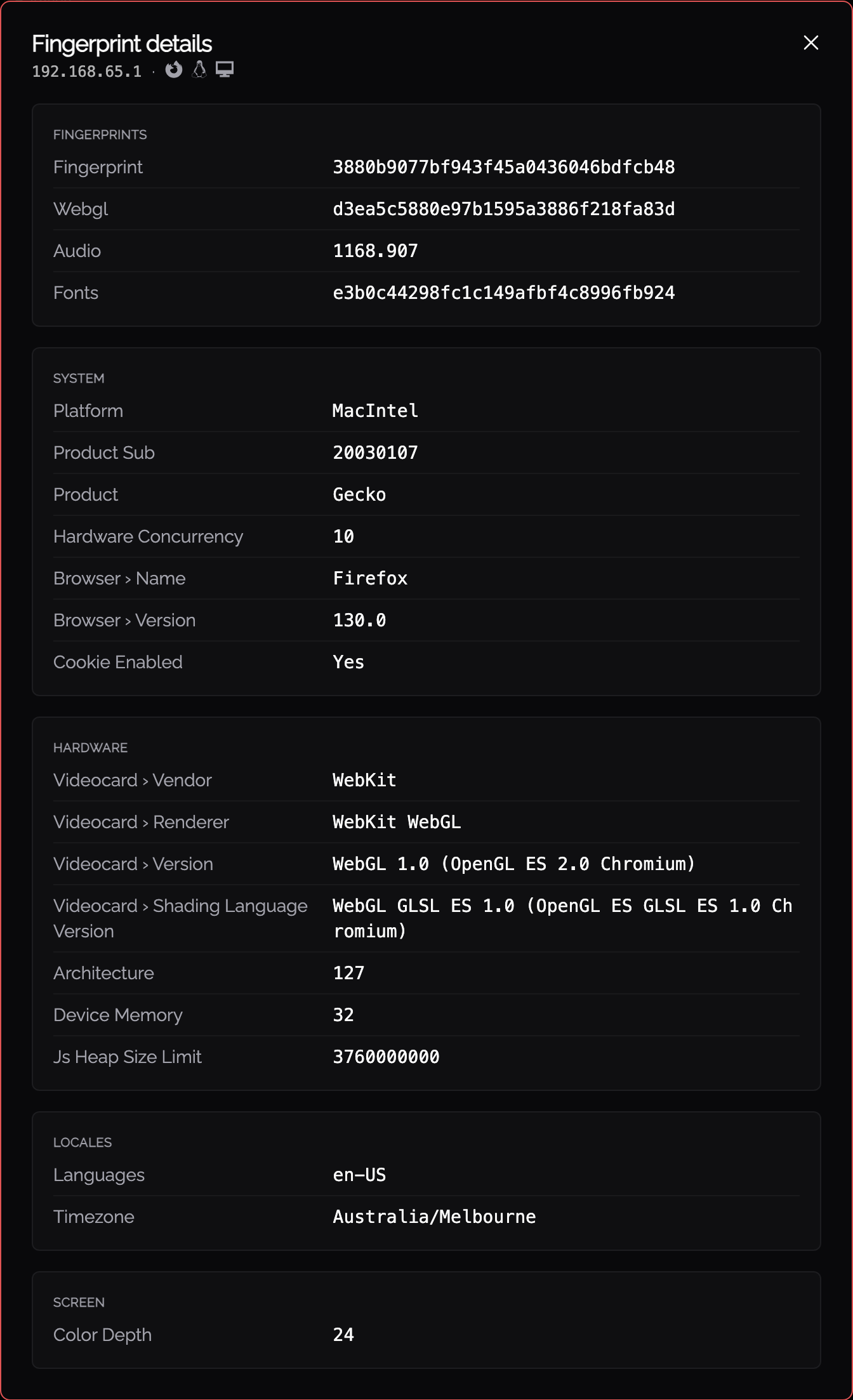
Knocknoc keeps a history of each identity's sessions. On a user or admin, the Sessions panel lists their active and historic sessions (toggle Show historic sessions). Each entry shows the User agent and IP it was seen from, when it was First seen and Last seen, its duration, and how it ended: Logged out, Expired, Deleted by admin, or Invalidated. If the user agent, IP, or device fingerprint changes during a session, the timeline records the change.