
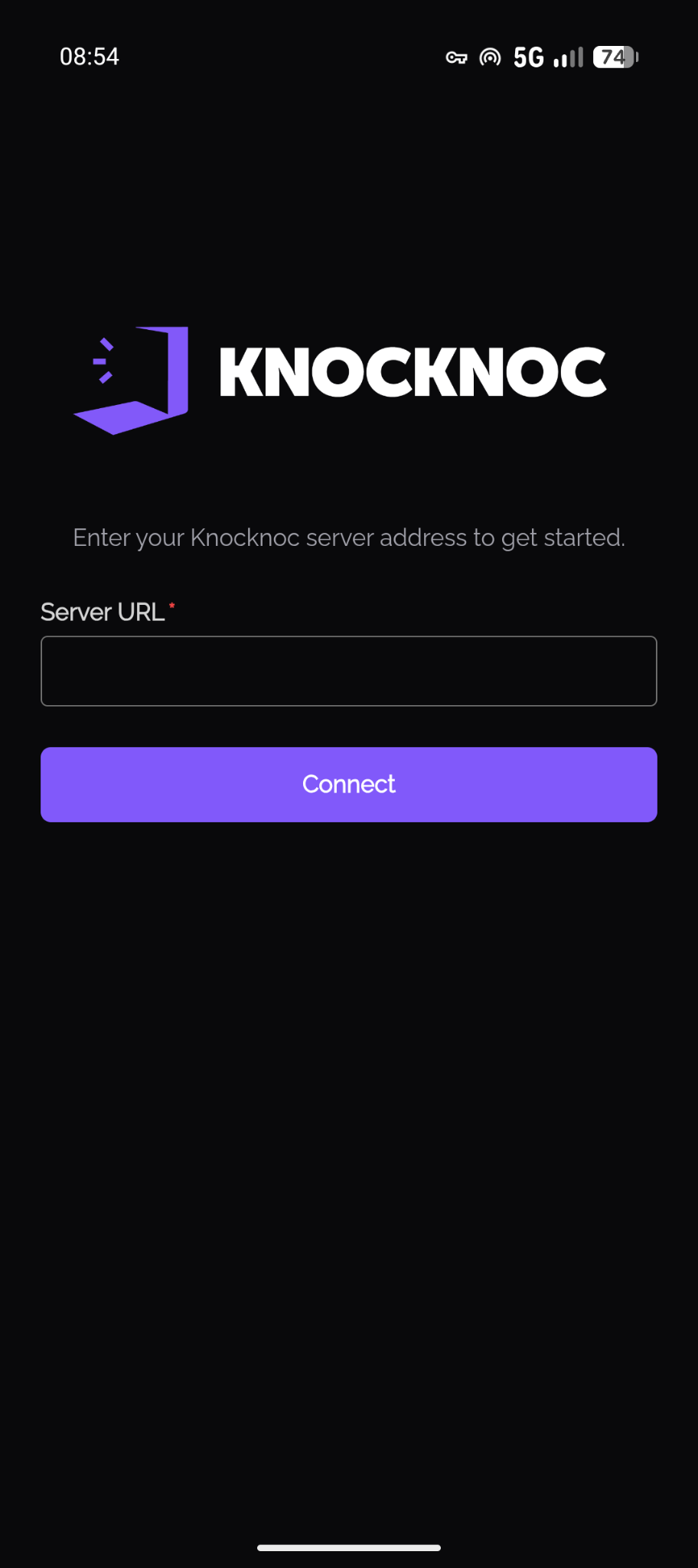
Knocknoc iOS & Android App
Closed beta. The Knocknoc mobile app is currently available to beta testers only and is not yet published on the Apple App Store or Google Play.
The Knocknoc mobile app keeps your access working as you move around. Knocknoc grants access based on your current public IP address, and on a phone that address changes constantly: you walk out of the office and drop to cellular, your carrier rotates your address, you join a cafe's Wi-Fi. Each of those would normally cut off your access until you open the Knocknoc dashboard again. The app handles all of it for you in the background, so your connection stays up without you thinking about it.
Why Use the App
- Your access just keeps working. When your IP address changes, your access moves with you. No re-authenticating, no dropped connections mid-task.
- It works while your phone is asleep. The app keeps your access current in the background, even when you are not looking at it. A browser cannot do this.
The app does not route your traffic through Knocknoc. Its job is simply to notice when your network changes so the server can update your access.
Installing the App
The app is in a closed beta. To get access, get in touch with the Knocknoc team and we will provide it directly.
In the near future it will be available on both the Apple App Store and Google Play.
You will need a Knocknoc server reachable over HTTPS, and either iOS 16 / Android 10 or later.
Signing In
The app uses the same sign-in methods as the web portal: a username and password, or single sign-on (SAML) through your identity provider. The same security restrictions put in place by an admin will apply in the app the same as they would in the browser.
After signing in with a username and password, the app offers to save your login behind biometrics so your next sign-in is a single Face ID, Touch ID, or fingerprint prompt. You can decline and keep entering your credentials each time.
Staying Connected in the Background
This is what the app does that a browser cannot: it keeps your access current even when it is not on screen. The way it does this differs slightly between platforms, and on iOS it asks for one permission that is worth understanding.
On iOS
iOS only lets an app react to network changes in the background if it has a VPN configuration, so the app sets up a local one and asks you to approve it the first time.
No traffic is routed through this VPN. It exists only to let the app notice when your network changes so it can keep your access alive. Your normal internet traffic is untouched. If you decline the prompt, background refresh will not work and your access may drop when the app is not in the foreground. You can allow it later in Settings > General > VPN & Device Management.
On Android
The app shows a quiet ongoing notification while you are signed in. That notification is what keeps the app running in the background. For this reason, permitting notification permissions are essential for the Android app.
Some phones (for example Samsung, Xiaomi, Huawei, OnePlus) aggressively shut down background apps to save battery. If your access starts dropping in the background, the app will prompt you to exempt Knocknoc from battery optimization. You can also do this in Settings > Apps > Knocknoc > Battery.
Keeping the App Up to Date
Most of the time, the Knocknoc app will update with updates to the Knocknoc server, however occasionally an update through the phones app store may be required, when this is the case the Knocknoc app will let you know. During the beta, update through whichever channel the Knocknoc team provides
Your Privacy
- The app only connects to the Knocknoc server you enter, it makes no other web requests.
- The iOS VPN routes none of your traffic. It only lets the app notice network changes.
- Your session is stored in your device's secure hardware (iOS Keychain or Android Keystore), not in plain storage.