
TOTP per Knoc
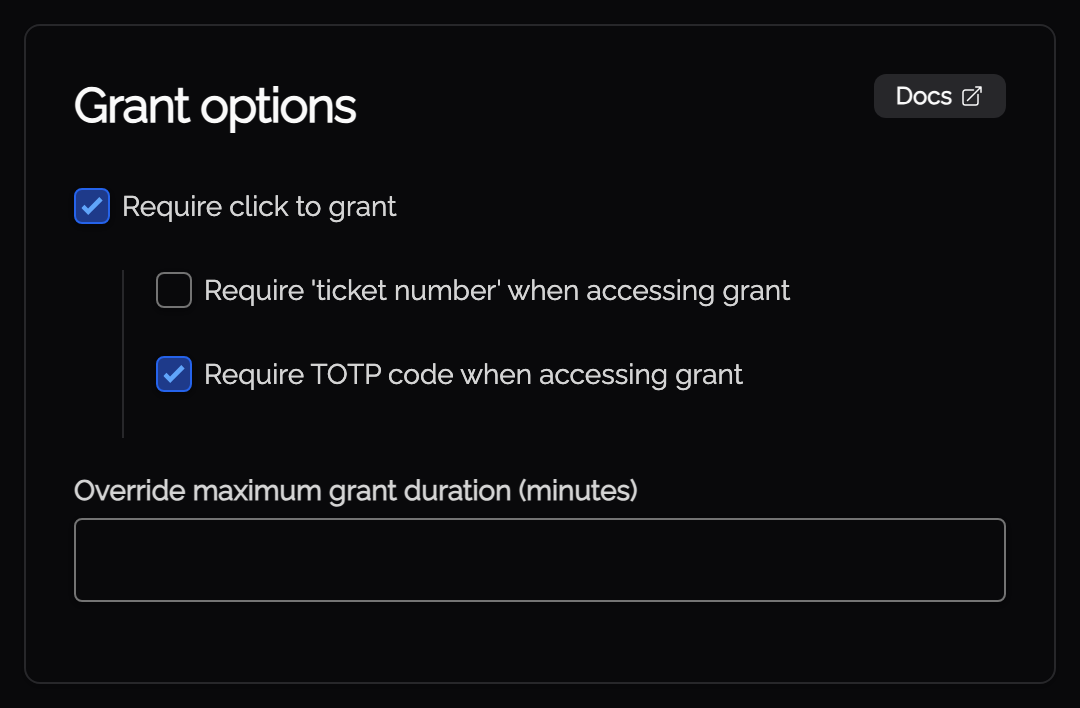
For additional security and identity verification, Knocs support a "Require TOTP code when accessing grant" option.
Note that this TOTP is within the Knocknoc product, and is in addition to any MFA provided during an SSO session. For example if you have Entra configured with MFA, this Knoc-level TOTP will also be required. This is to protect compromised client machines where persistent/refresh tokens may exist in the browser, or to reduce the impact of stolen credentials where Entra MFA tokens are phished.
As below, to access this Knoc the user is required to enter the current 6‑digit code from their authenticator app before each grant is processed, the entering of these will be rate limited like we do with normal totp entry. It adds a second factor ("something you have") on top of login, and works well alongside shorter grant periods and/or other grant controls.
This is found within the Knoc Options area, when configuring a Knoc.
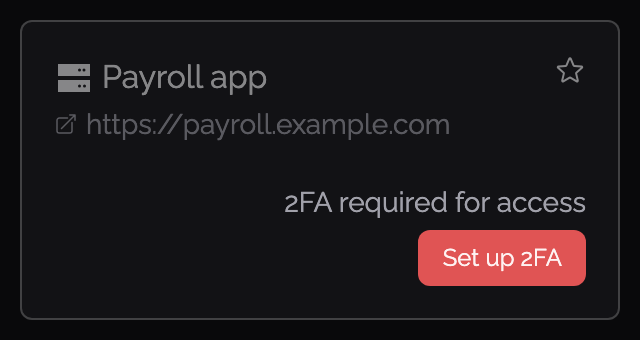
If the user hasn’t set up two‑factor authentication yet, they’ll be prompted to enroll first before they can continue:
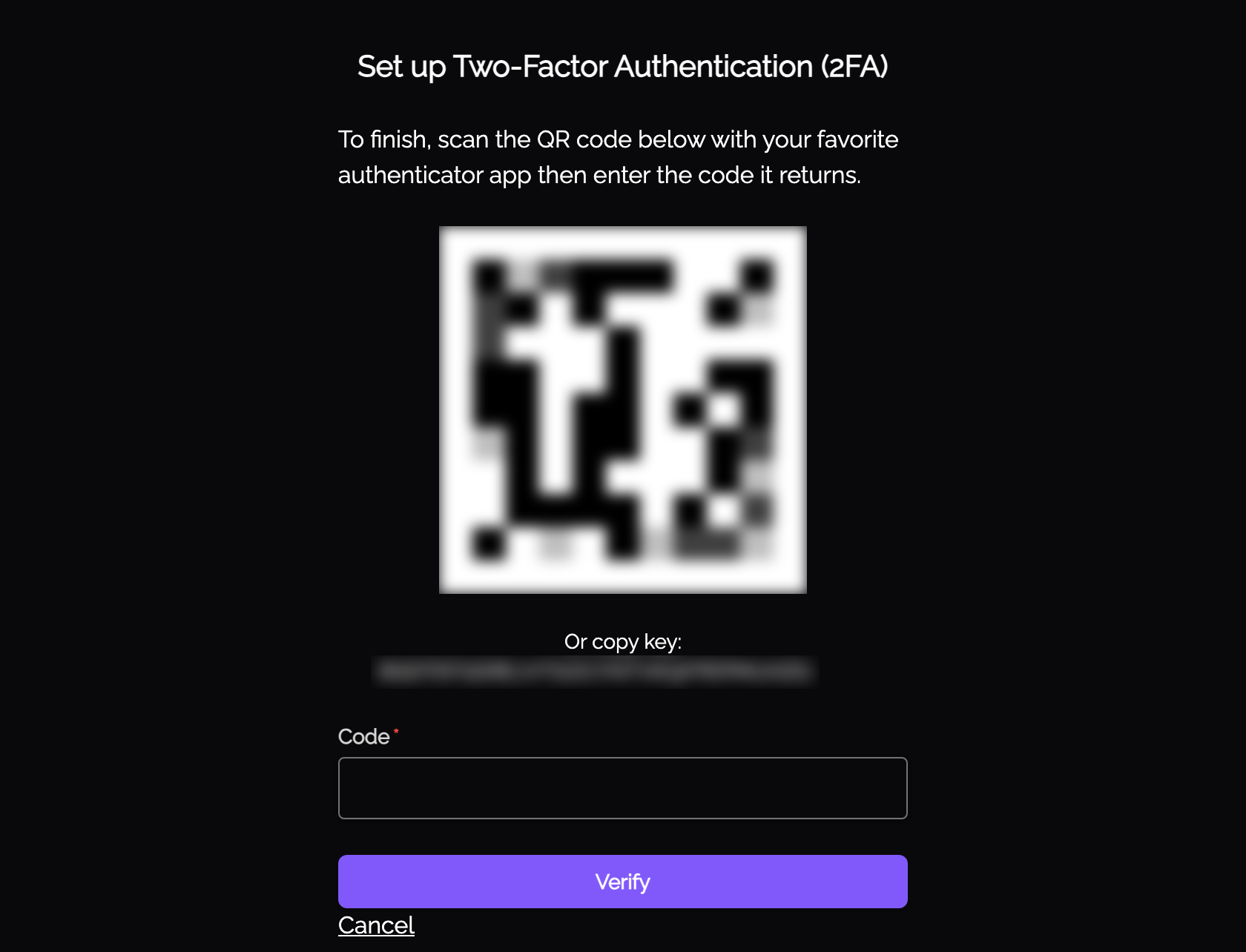
During enrollment, the user scans a QR code (or copies the setup key) into their preferred authenticator app, then verifies using a 6‑digit code:
Once 2FA is configured, granting access will prompt for the current authentication code each time a grant is requested:
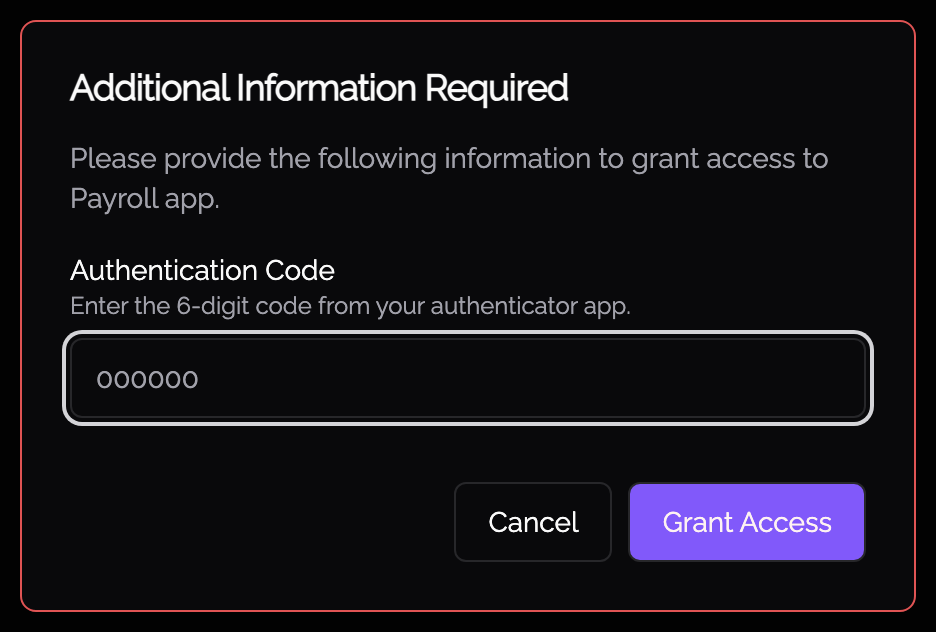
After the user inputs the authentication code they'll have access to the Knoc.