Break Glass
Default deny is a wonderful thing, the best place to be - except when you lock yourself out. Thankfully Knocknoc has a break-glass control if you need.
Follow these steps to add a 20 minute access path, it requires Admin access.
- Log in to your Admin console (https://<your-server>/admin)
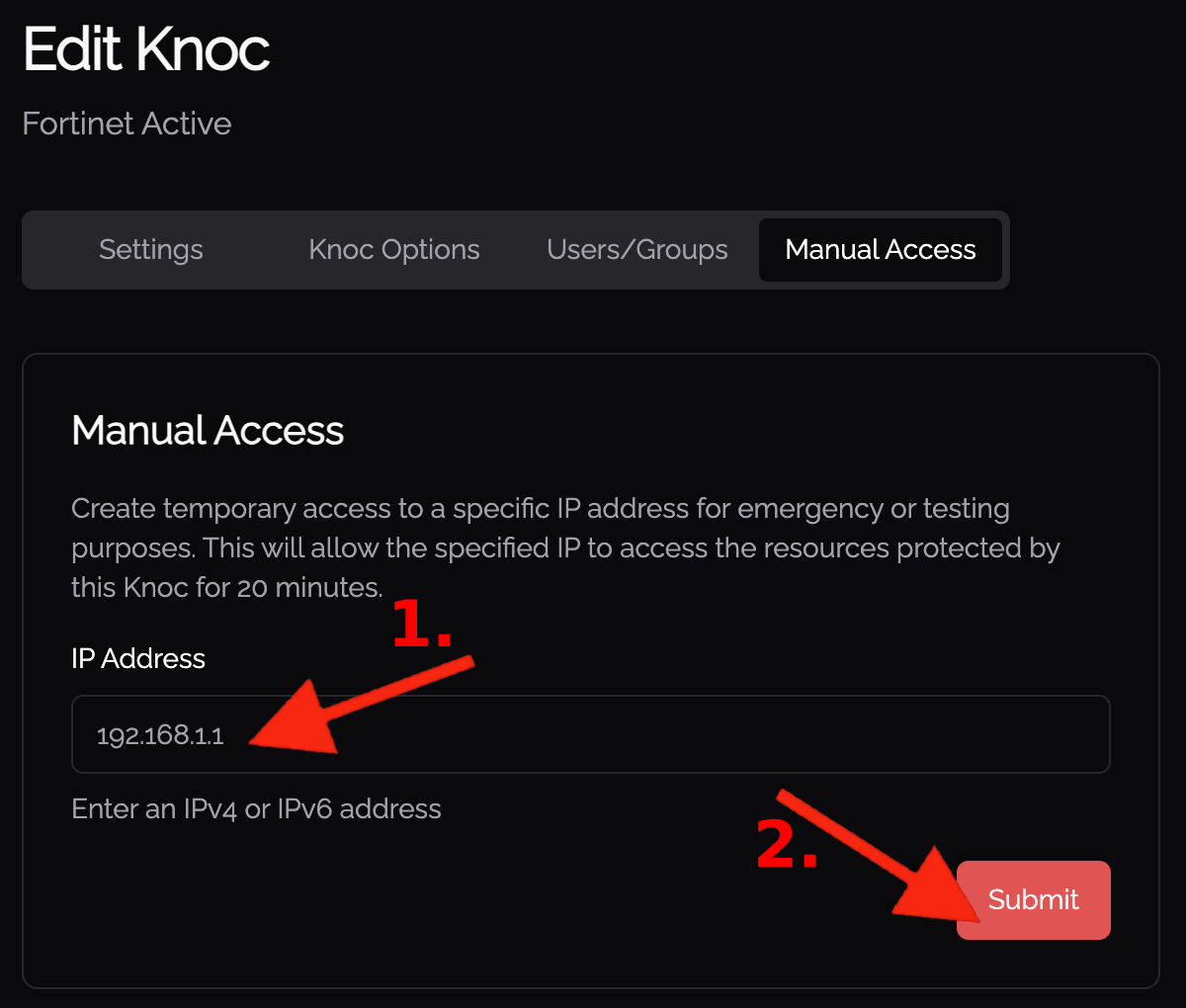
- View the Knoc, select "Manual access"
- Put in the specific IP address that requires access. Noting this could be an internal or external address depending on where you are attempting to access from.
- Enjoy 20 minutes of access!
Knocs Break Glass
First option is to go the menu of all knocs and select your chosen Knoc's 'kebab menu' / vertical ellipsis
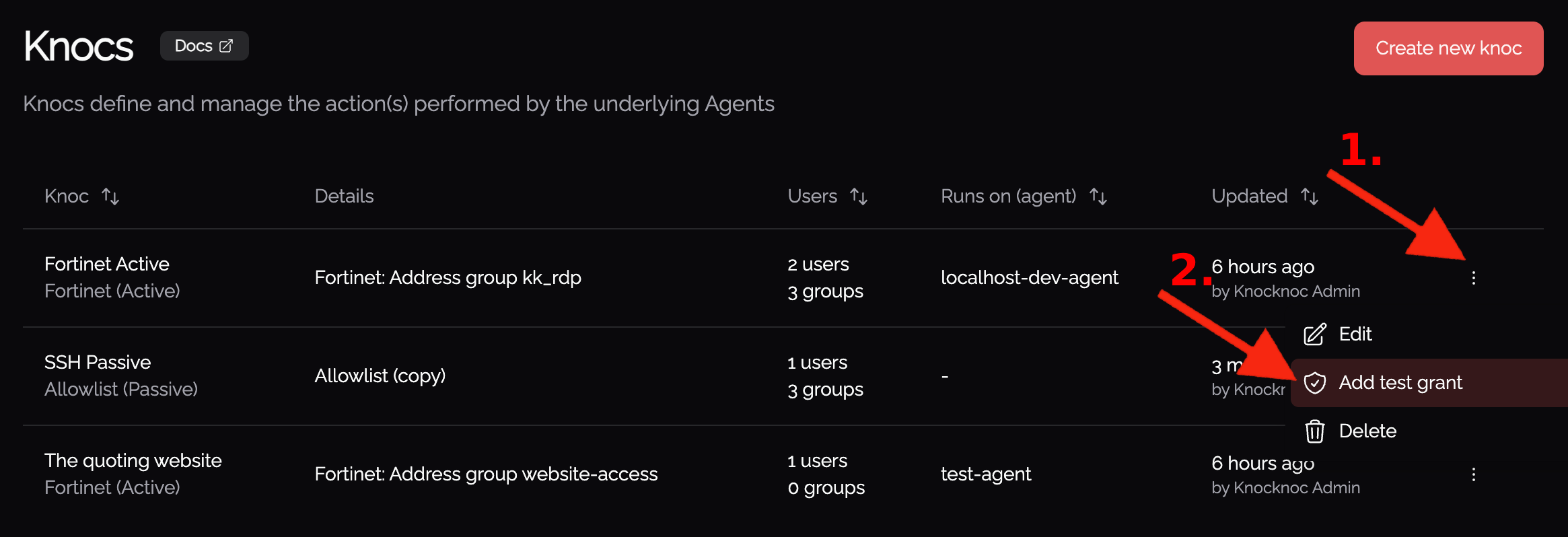
Now you're able to choose the IP you want to grant access to.
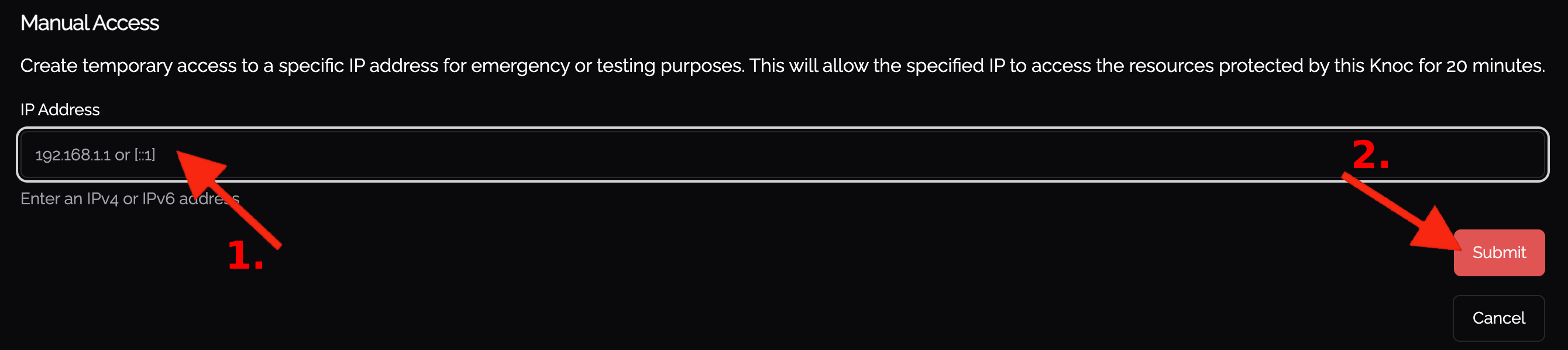
Knoc menu Break Glass
There are other ways to grant manual access as well, such as within the knoc's menu.
When editing the Knoc, you're able to add manual access to whatever IP you need, giving access in a break glass scenario.