Settings
Settings
The Settings inpage lets administrators configure authentication, server options, threat intelligence, branding, and other system-wide preferences. Open it from the Admin portal sidebar.
Some sections are hidden when running on Knocknoc allows you to configure some of the basic setup like authentication sources in a web interface. This is also where the license is applied, along with SAML configuration and more.Cloud.
License
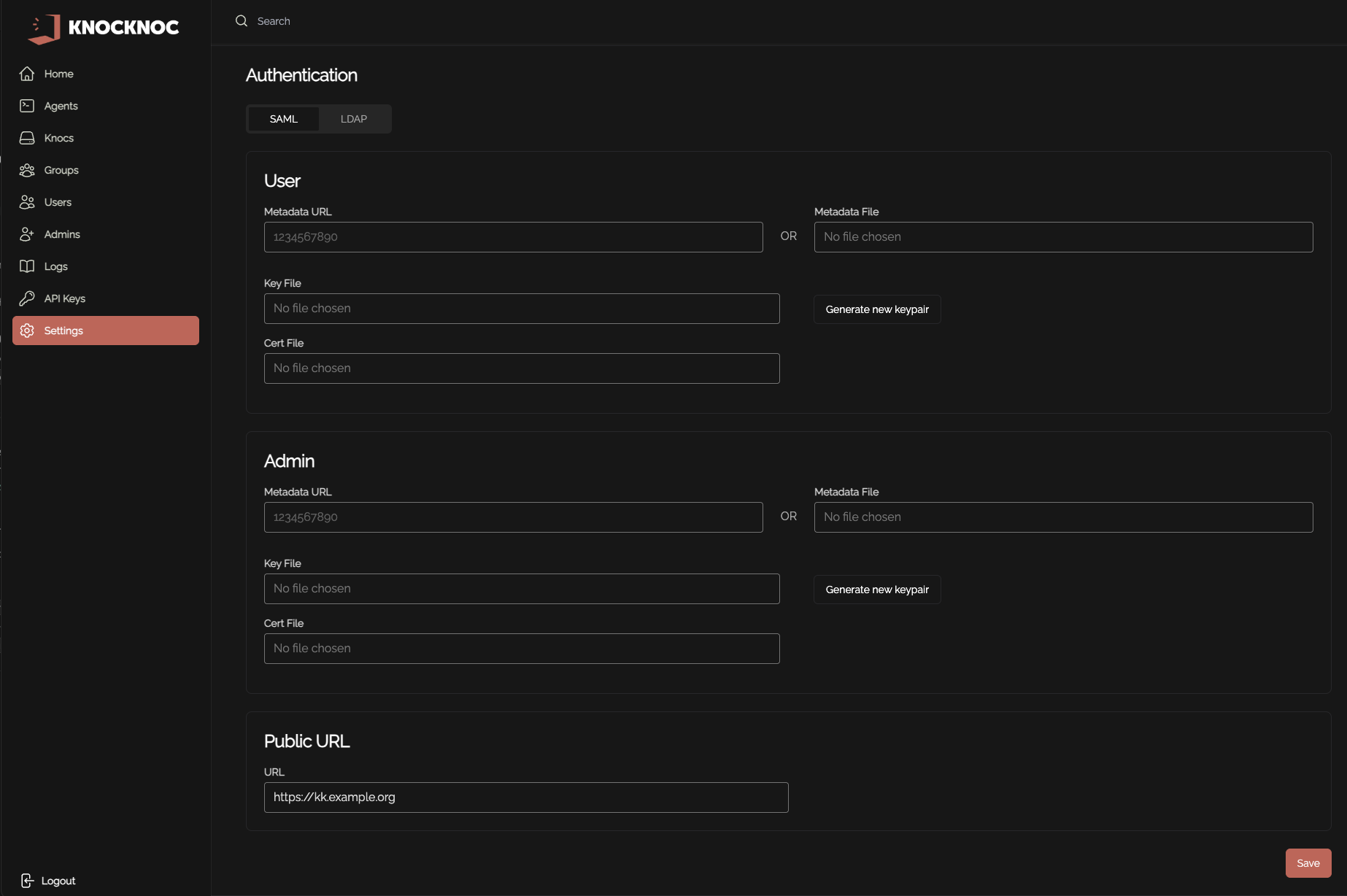
The LicenseKnocknoc is where youlicense can cutbe andset via the support page (previously located on the settings page). To set the license, paste your license key from the Licensinglicense Portal.portal Clicking save activatesinto the "License Key" box in the "License & Plan" section. This requires the Knocknoc server immediatelyto (requireshave outbound internet access)access.
Settings page:

Support page:
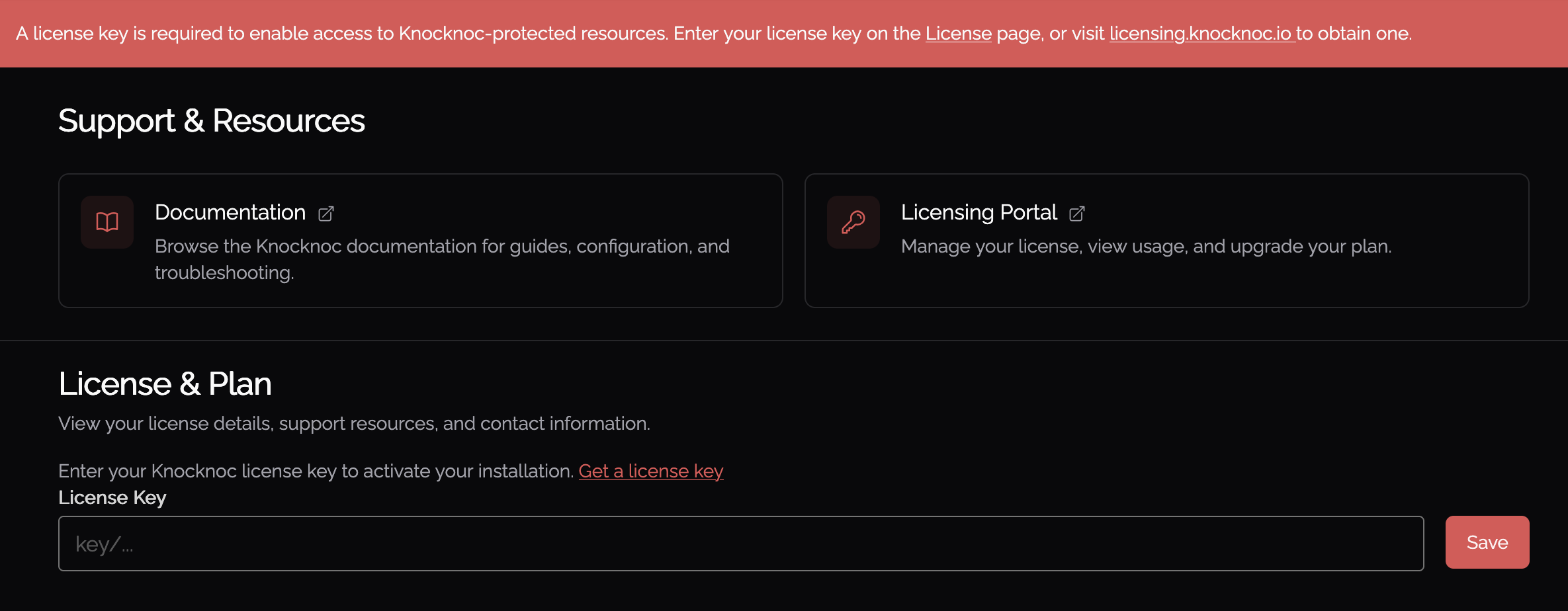
The License section displays the current server version. To view full license details (entitlements, expiry, support status), view the Support page.
Authentication
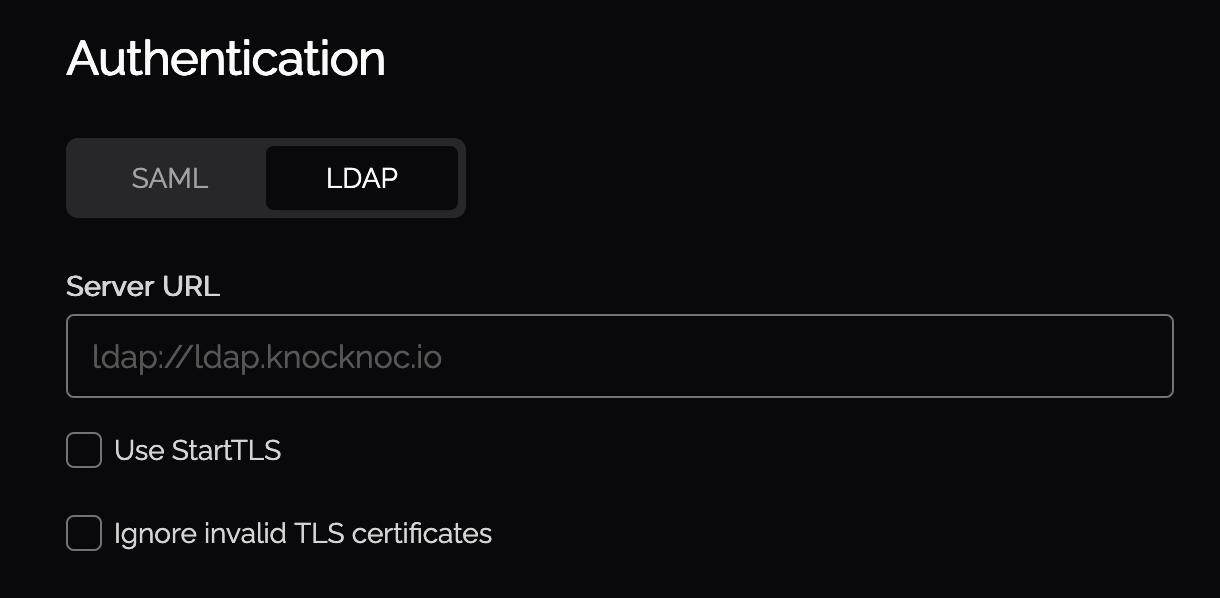
Authentication settings are split into two tabs: SAML and LDAP.
It is recommended thatto use the SAML Metadata url be used for SAML integration. Note you will need to generate a keypair unless a pair is uploaded. Follow the SAML documentation for more information.
Client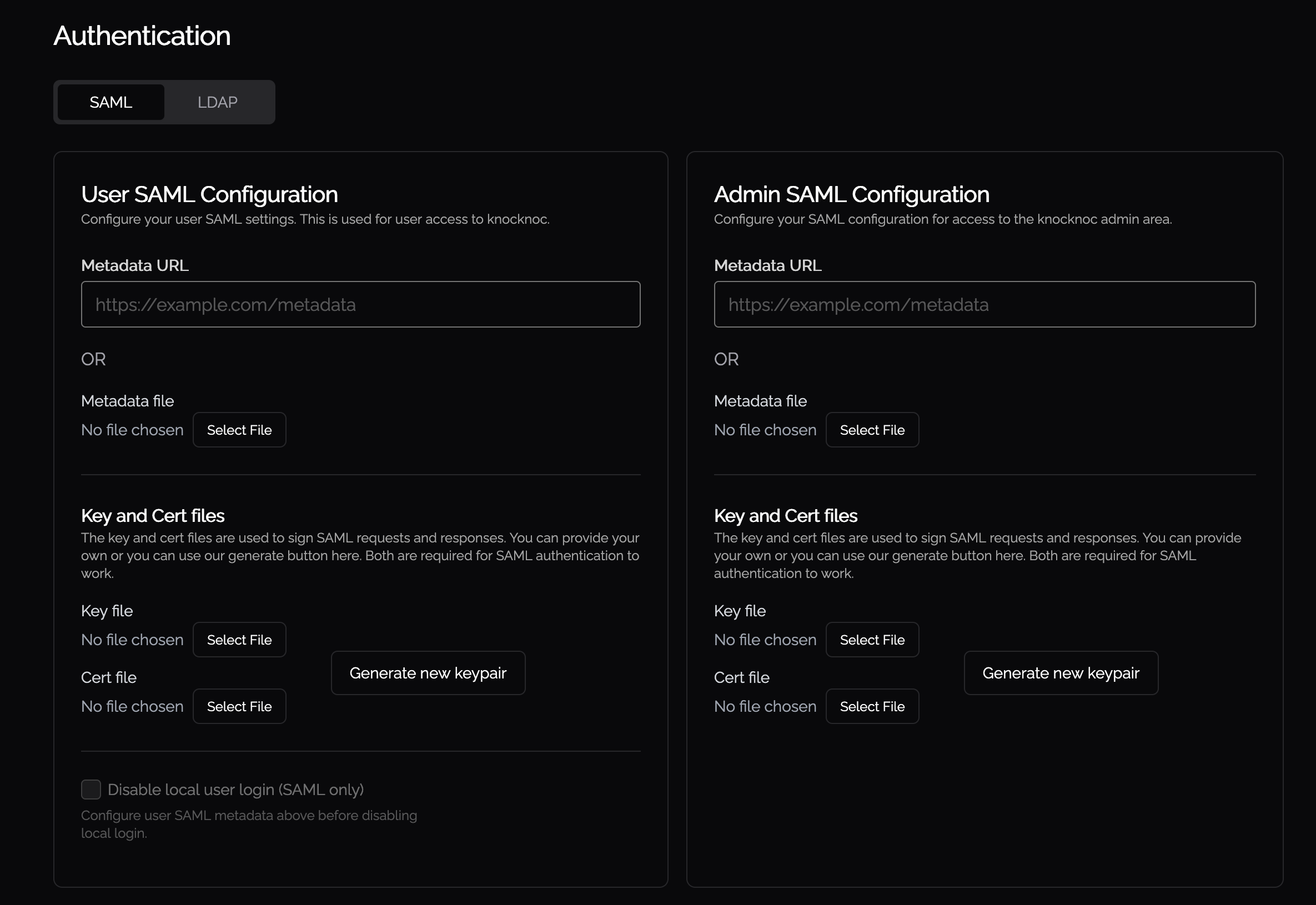
For discoveryinformation relateson toconfiguring CGNatLDAP, IPfollow address discovery and is coveredthe LDAP documentation here.
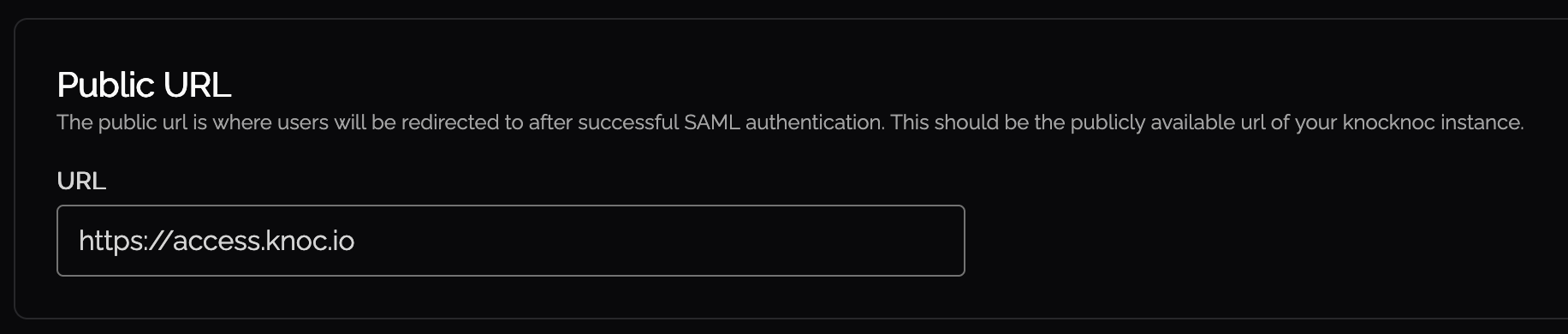
Public URL
The GelfListenerURLpublic allowsURL foris the externally-reachable address of your Knocknoc server (e.g. https://knocknoc.example.com). Set this to the URL that users and identity providers use to reach Knocknoc.
Server Configuration
SSL/TLS Certificates
You can manage your Knocknoc server SSL certificates directly via the admin portal.
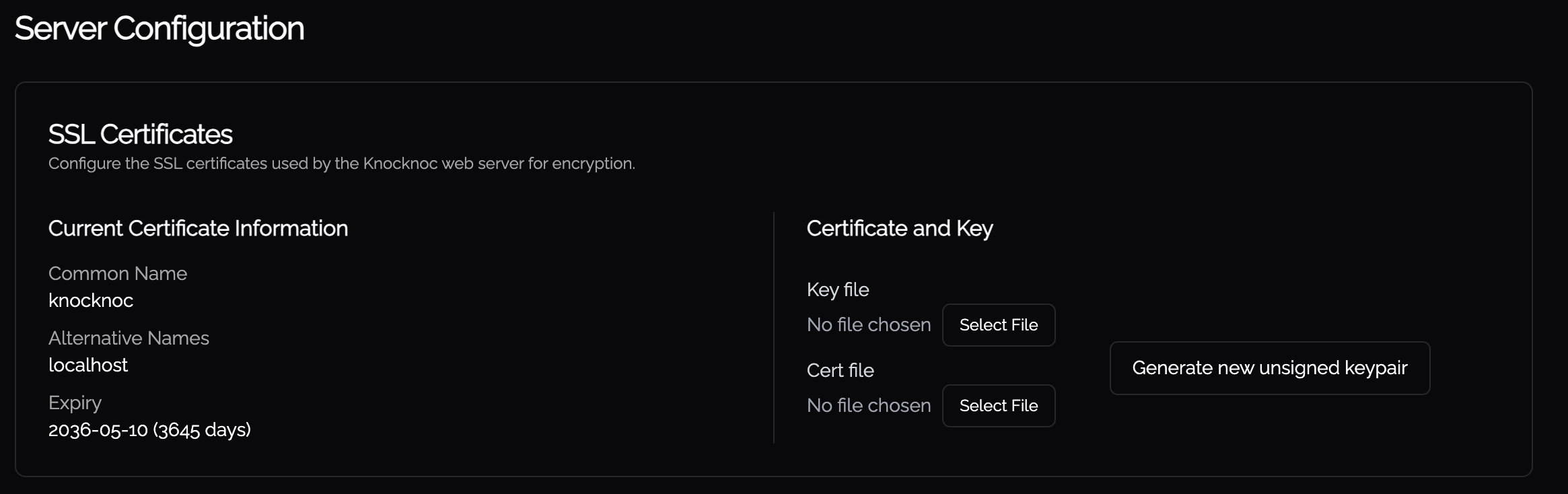 You may upload new key files and certificate files in this UI. The certificate and key file will be validated against each other, so there is no risk of uploading an invalid pair. If the server has multiple certificates (e.g. from a
 destinationcertificate chain), a dropdown lets you select which certificate to sendinspect.
Logging & Diagnostics
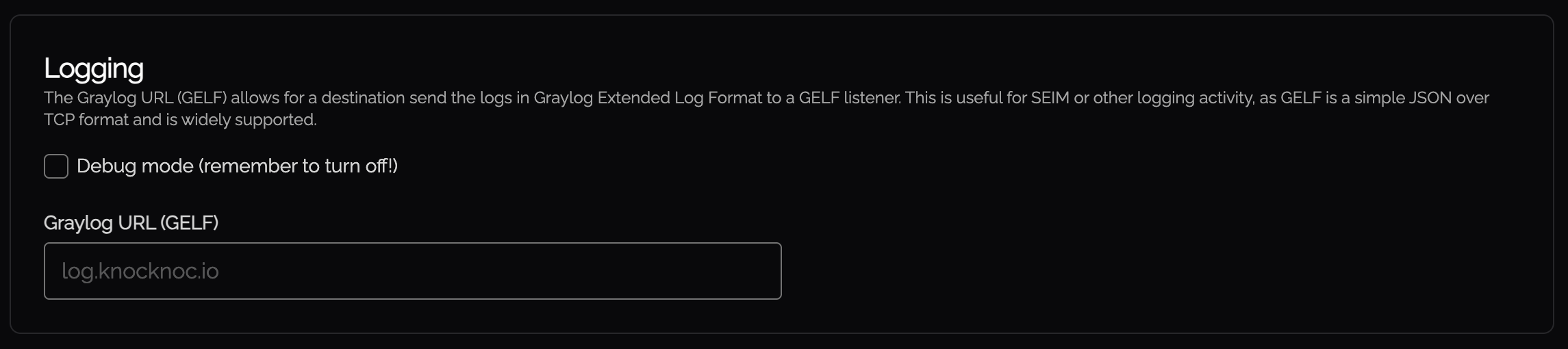
udp://, tcp://, tls://. Example: tcp://log.example.com:12201. Use this to forward logs to a SIEM, Graylog, or any system that accepts GELF
Threat Intelligence
Knocknoc integrates with GreyNoise for SIEMIP orreputation otherlookups. loggingWhen activity, as GELF is a simple JSON over TCP and widely supported.
The Customization section allows for the admin to pick a theme forconfigured, Knocknoc andchecks uploadconnecting aIP customaddresses logo:against GreyNoise's threat intelligence database.
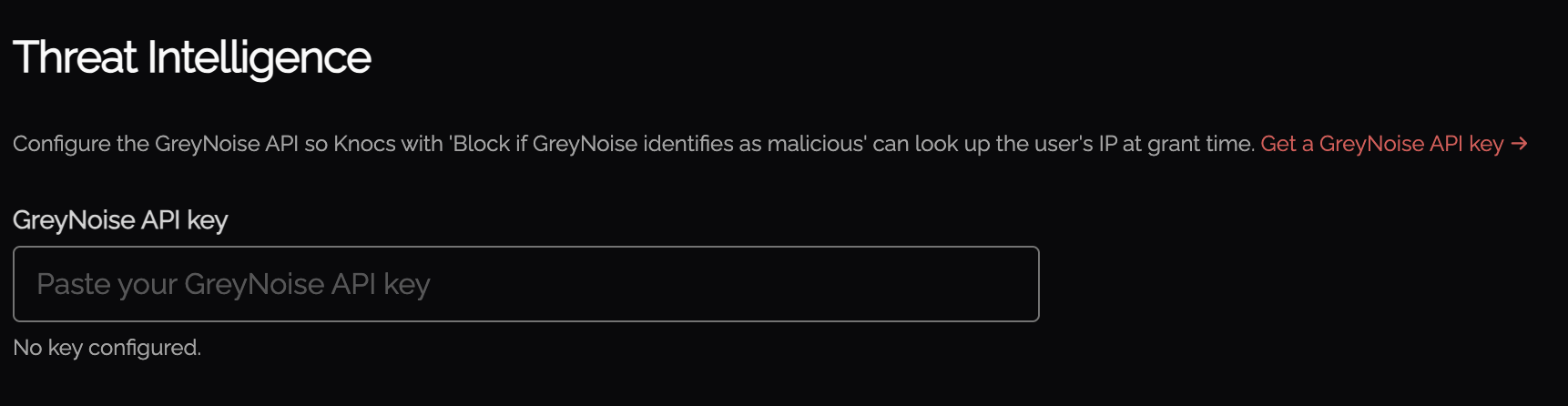
This isallows helpfulKnocknoc to block access attempts from malicious IPs.
Kiosk Settings
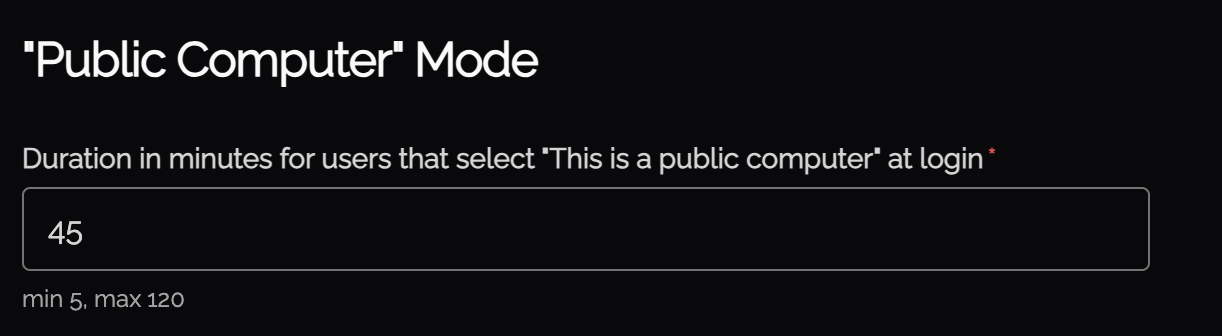
Kiosk mode (also called "Public Computer" mode) sets a shorter session duration for users on shared or public computers. When a user logs in from a kiosk, their session expires after the configured duration regardless of activity.
Branding
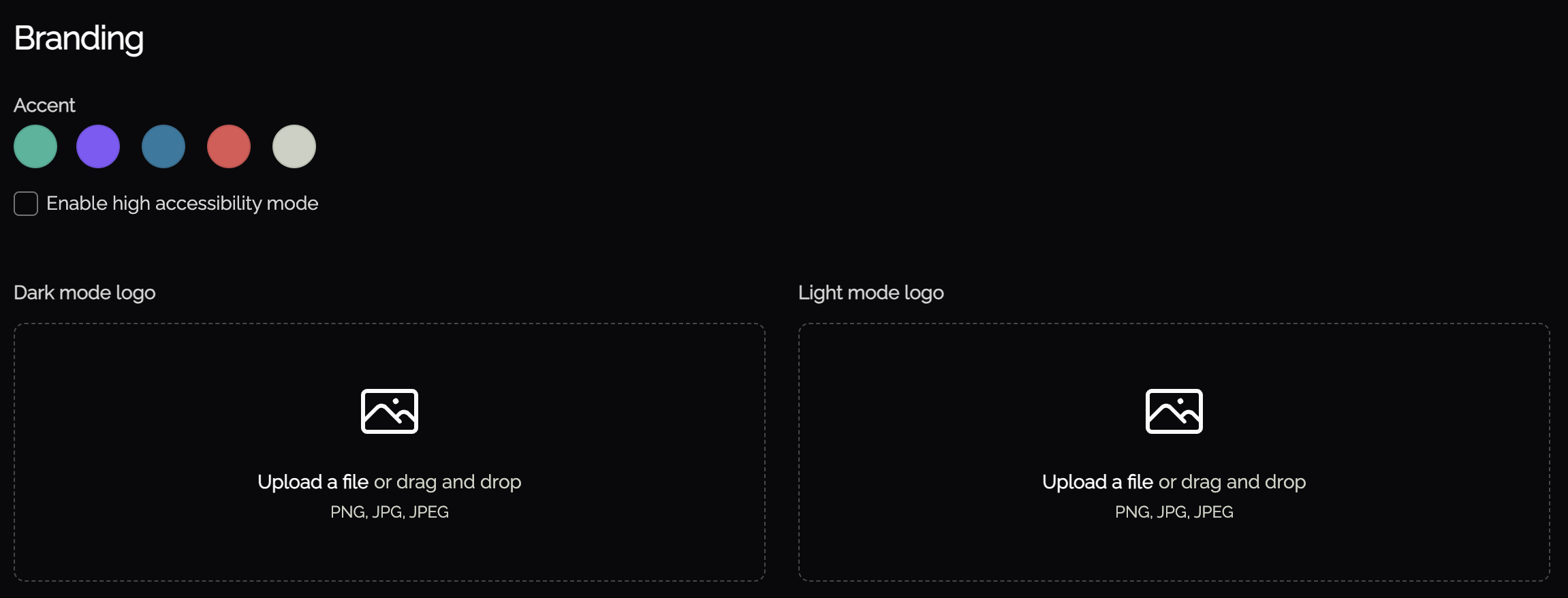
You can customize the look of the Knocknoc interface to match your companyorganization's themebranding.
This includes changing the accent color in Knocknoc, which affects the color of UI elements. Enabling high accessibility mode, which subtly changes UI elements in the User dashboard to meetincrease users'accessibility. expectations.Uploading your organizations logo to display in place of the Knocknoc logo.