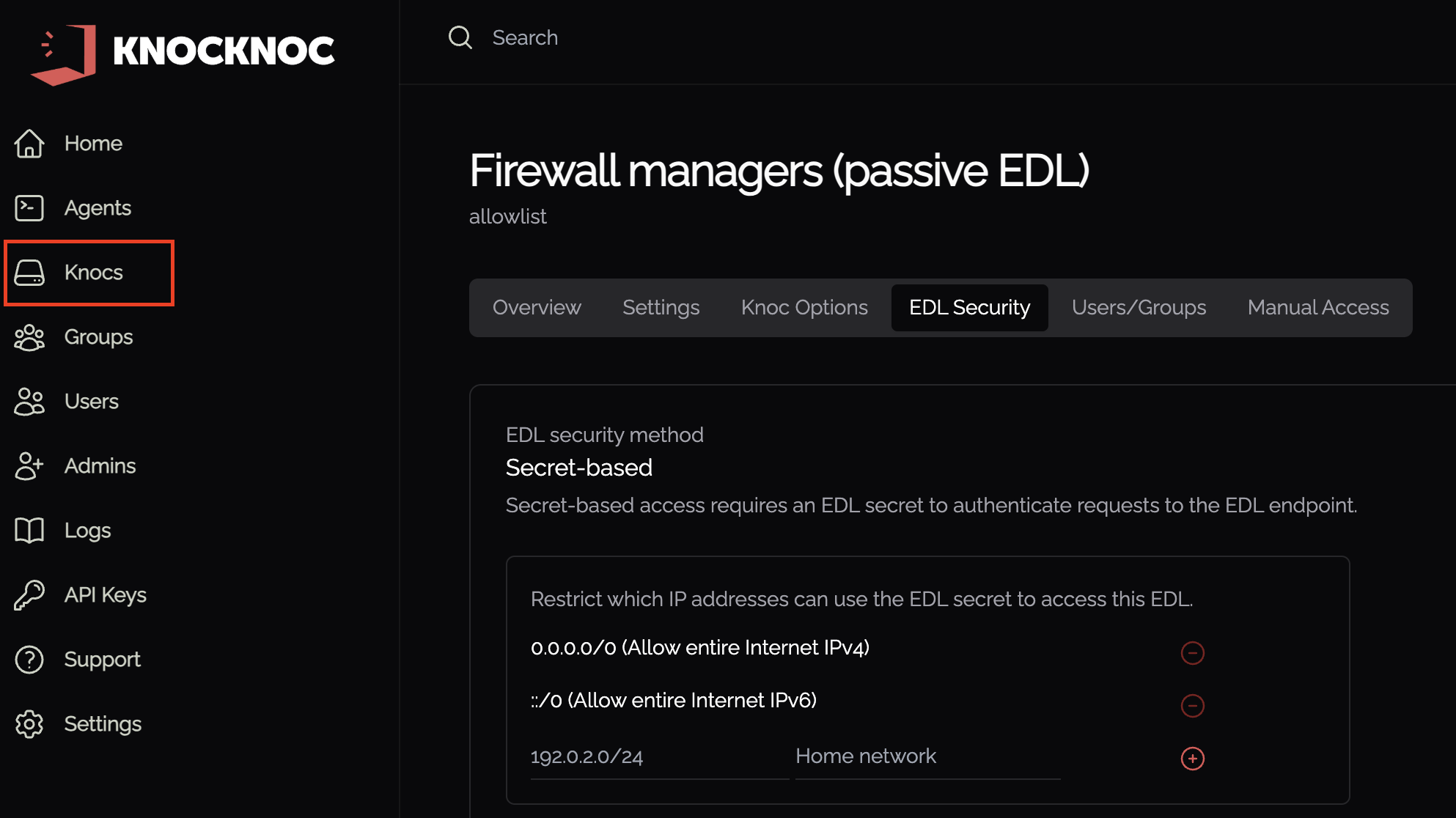
Allowlist (EDLs)
The Allowlist backend makes a list of active IP address grants available via the Knocknoc server API. This allows integration with appliances or clients that can be configured to poll a URL without the need for a Knocknoc agent to be deployed. This is sometimes known as "External Dynamic List" feature within firewalls.
Devices supporting EDLs (+ many others)
PfSense, many others Custom web applications, scripts, git-foo implementations, etc.
When to use an EDL?
EDLs are an easy way to passively integrate Knocknoc, however have some drawbacks.
On one hand they are an efficient way to add thousands of IP addresses to a consuming firewall device, on the other, the polling period can be minutes resulting in a poor user experience. This can be improved by utilizing the "passive+" mode within Knocknoc, which Palo Alto supports - read more here.
Pros
Many thousands of IP addresses can be managed with little impact on the orchestrated firewall.
Cons
Slow user login experience, given the above. Doesn't benefit from "User ID" and other active capabilities the firewall may offer.
See below on how these can be incorporated into major vendors via external lists:
Other platforms are supported, however talk to us about our native/API integrations as these offer many benefits over the time-based polling approach.
Improving the EDL user-experience with "Passive+" mode
Knocknoc supports two modes of EDLs, Passive and Passive+.
Passive publishes the EDL for consumption, with the timing of consumption entirely up to the firewall's scheduled polling frequency.
Passive+ publishes the EDL, but also interactively hits an API on the firewall device requesting the EDL be refreshed. This shortens the time between publishing and consumption, resulting in a faster user/grant experience while still benefiting from the EDL approach.
Overall process
Knoc configuration
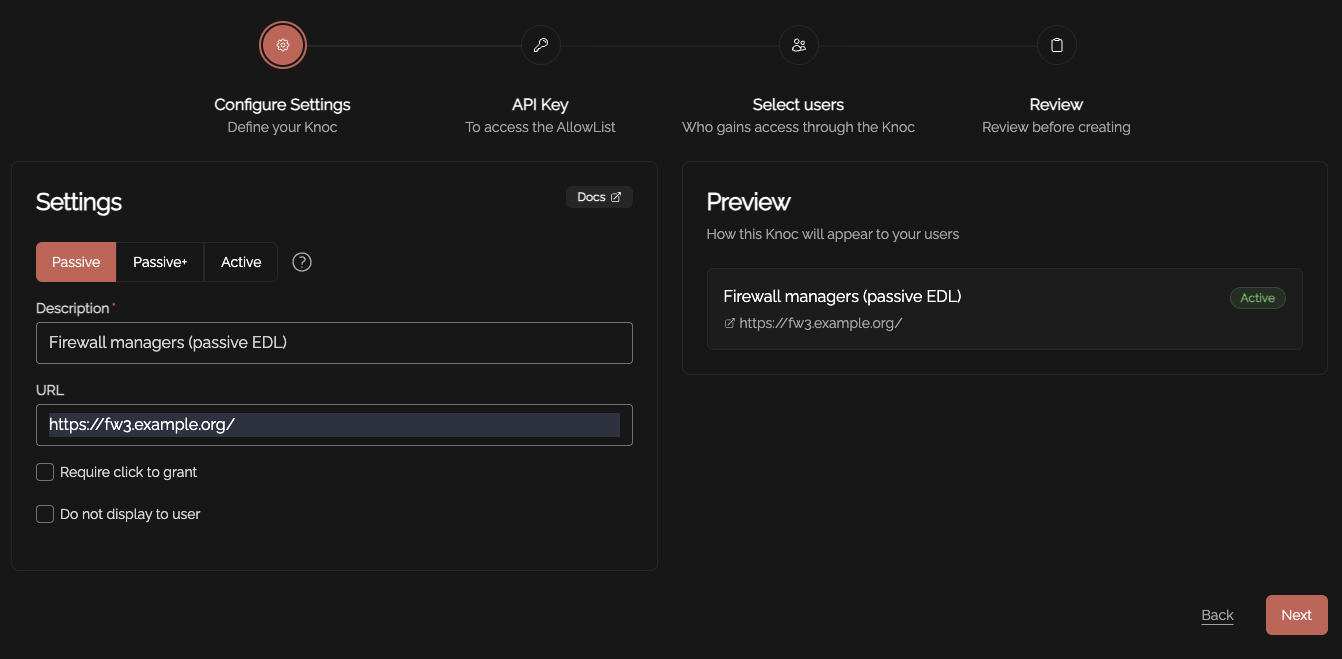
Create a Knoc under Firewalls/Appliances. Select Passive. Note that no Agent is required for this configuration as the Server is publishing/hosting the Allowlist.
Select the method you'd like to use to protect your EDL. The two options are:
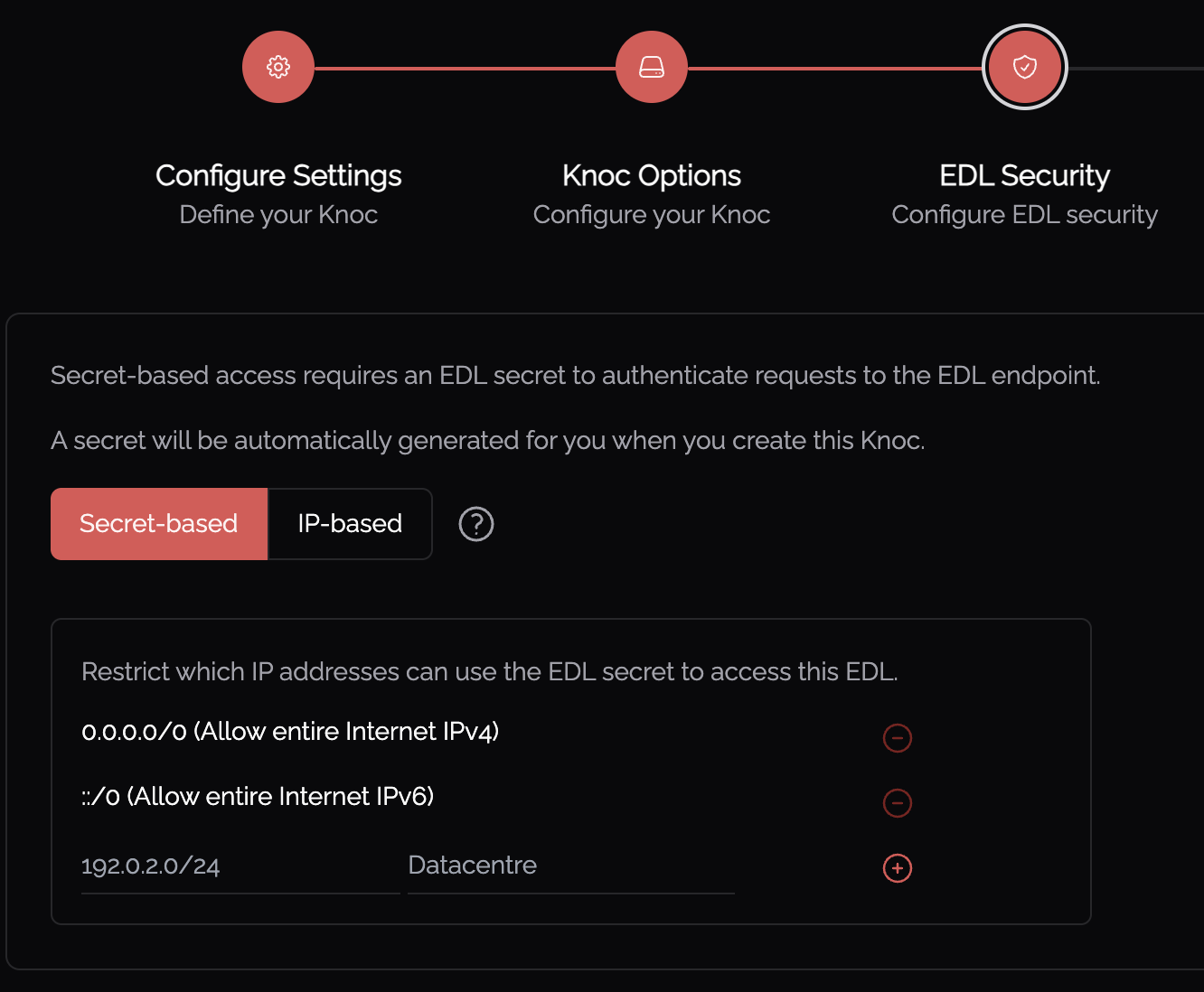
Be mindful of the IP address restrictions, by default it will allow the entire IPv4/IPv6 internet.
At this point you may choose to encrypt the secret by pressing the yellow lock symbol  . This will make the secret unrecoverable, so ensure you have stored the secret securely if you do this.
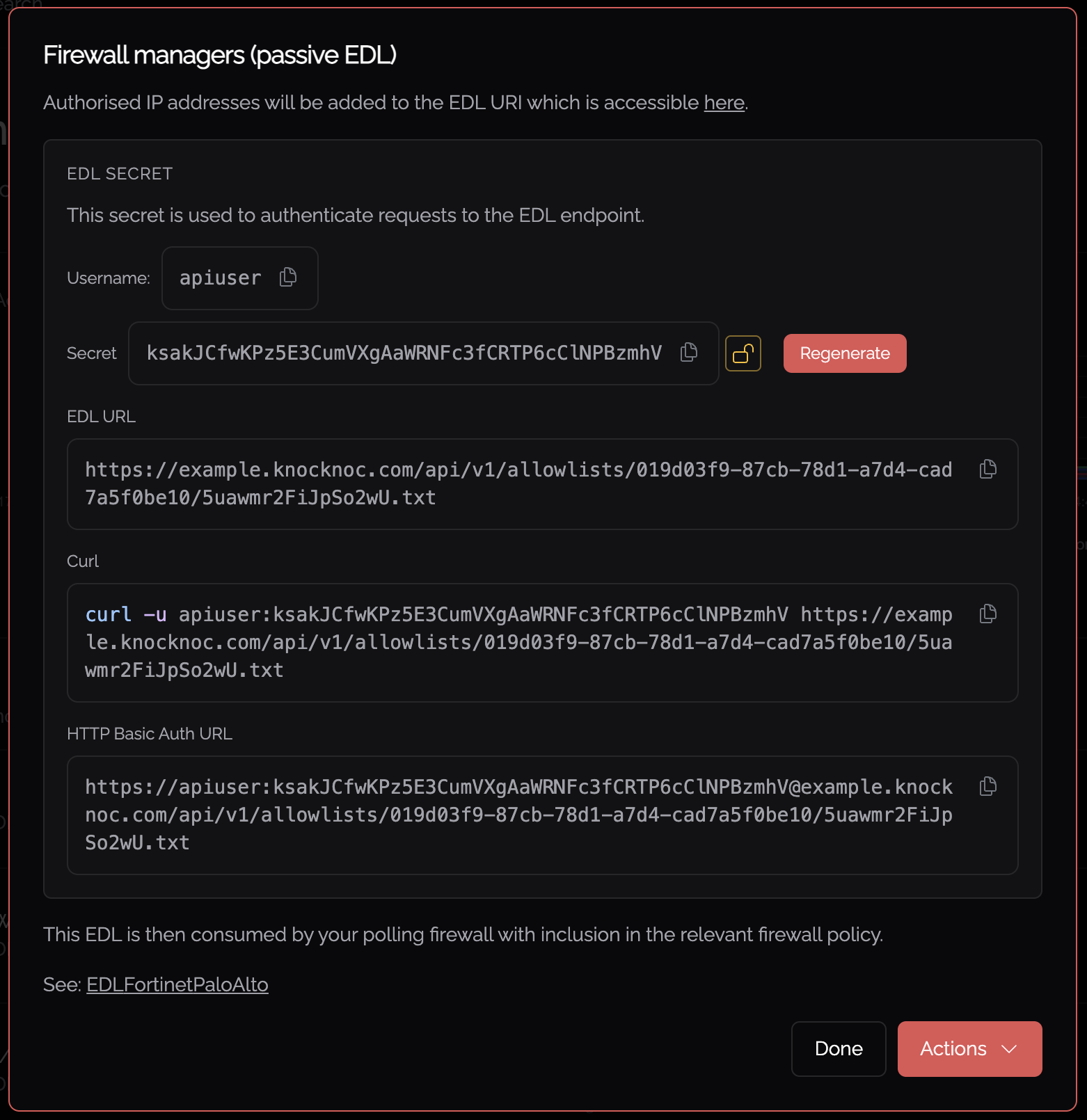
You now need the unique and random URI published per-Knoc, to be added to the consuming firewall/system.
Copy/paste the URL from the popup in the previous step, or by navigating to Knocs > *Your Knoc* > EDL Security.
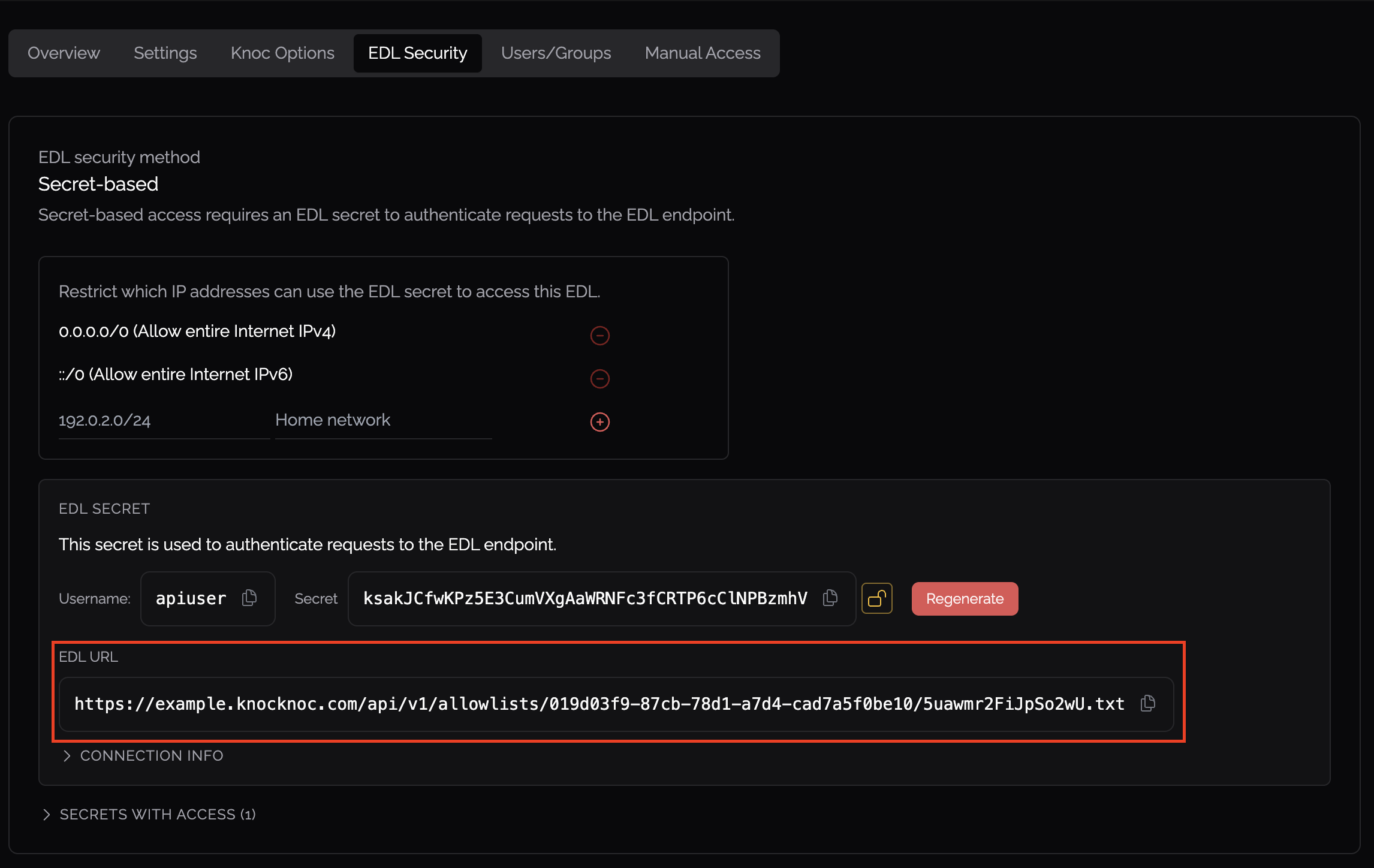
Testing the EDL
You can test the EDL including authentication using Curl as outlined at Knocs > *Your Knoc* > EDL Security.
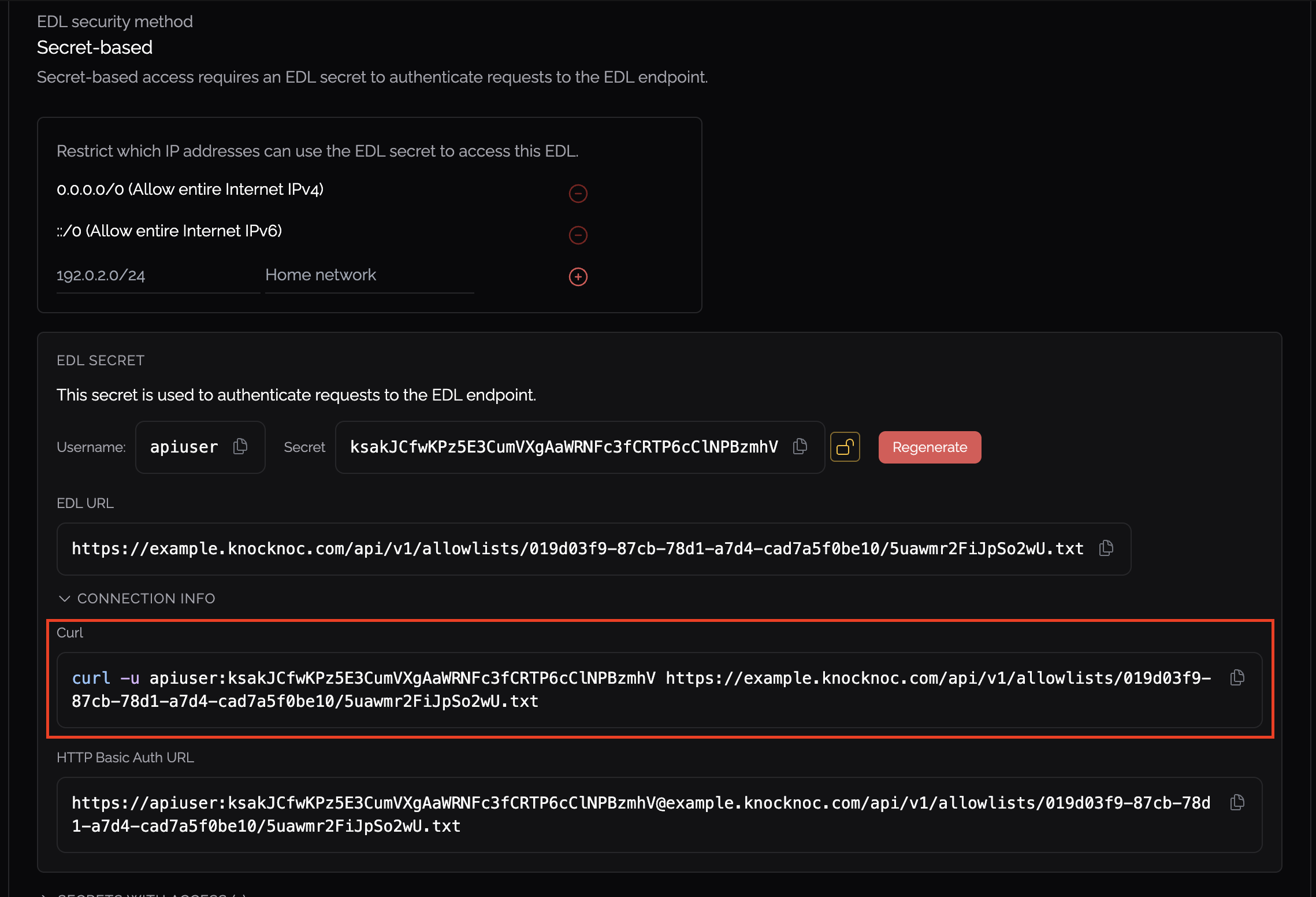
Note that some vendors/platforms built-in testing functionality does not use the authentication information if provided (including Palo Alto), so you will always get an error. It is recommended you use the curl command above or other testing tool such as Postman that supports authentication.
User experience and EDLs
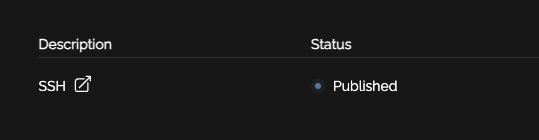
When your user logs in they will see "Published" alongside the relevant access item. This means their IP address or access information has been "published" and is awaiting consumption by the relevant firewall/system.
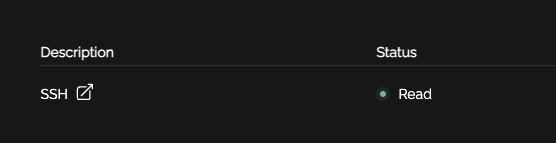
Once the firewall/system polls or "reads" the EDL, the state will change from Published to Read, signalling to the user their access has been established on the relevant back-end environment.
Allowlist / EDL Security
EDLs are published for consumption on the Knocknoc server.
To access the EDL contents you must:
Note that IP restrictions can be adjusted at Knocs > *Your Knoc* > EDL Security for a specific EDL.