Local Authentication (MFA included)
Knocknoc supports local users in addition to SAML/LDAP.
Simply add a user, with a username and password. Then assign them to a group or link them within a Knoc.
This is helpful for casual users, as you can set an expiry. So for example if you have a web application you have written for a customer and want them to check out a demo version of it, you can add them a quick username and password, and have it expire in a week.
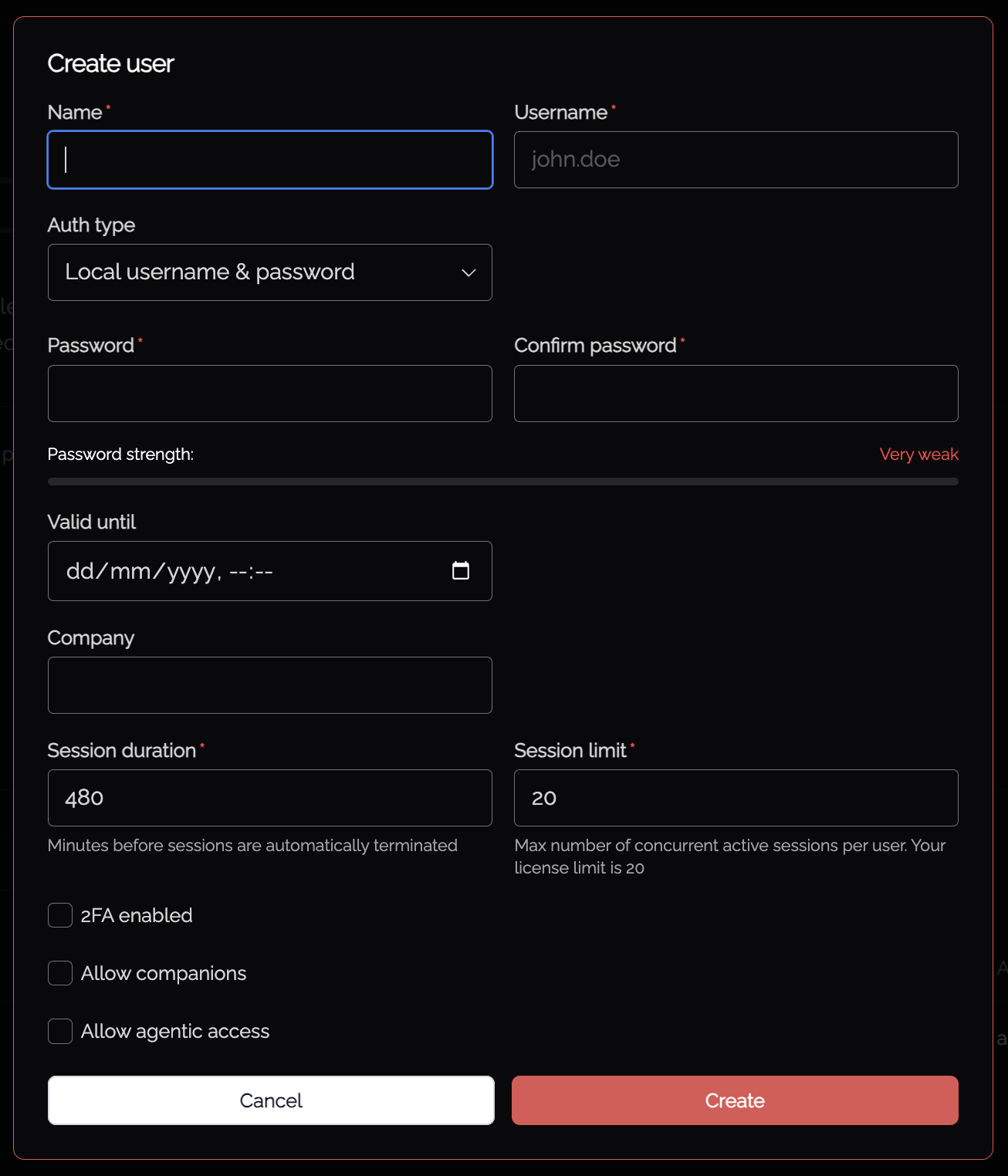
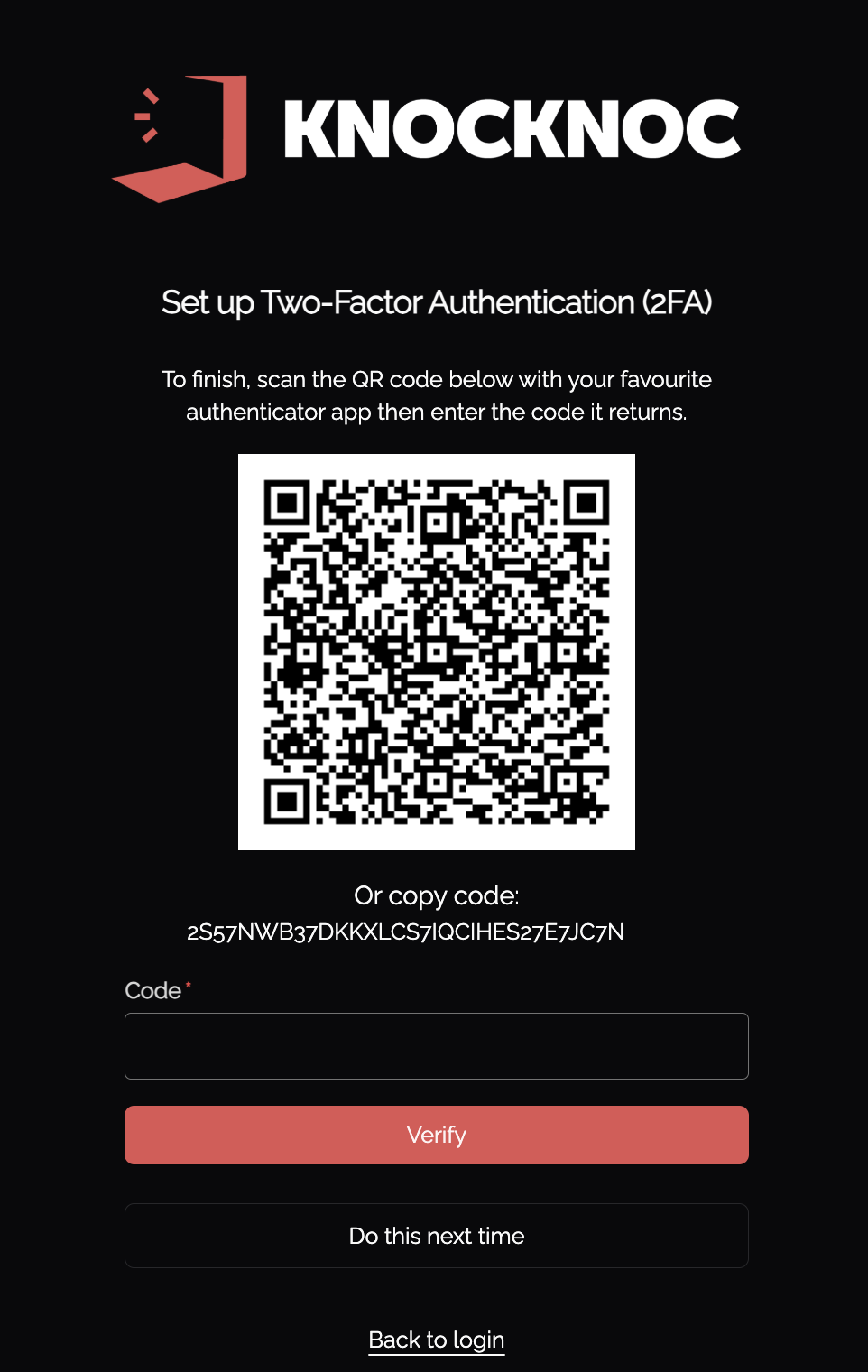
MFA is supported (see 2FA checkbox) for local users, with Knocknoc issuing a TOTP QR code for consumption.
This provides your "local" users with MFA, with enforcement covered by your Knocknoc Administrators. No additional license is required.
Password complexity for local users
The new-password box shows a strength meter. It is advice, not a gate: no password is refused on its score.
It rewards length above all, so a long passphrase of unrelated words scores better than a short password with punctuation in it. It does not check names, breached passwords or a list of common ones.
Passwords that look strong and are not:
- P@ssw0rd1!
- Summer2025!
- Qwerty!234
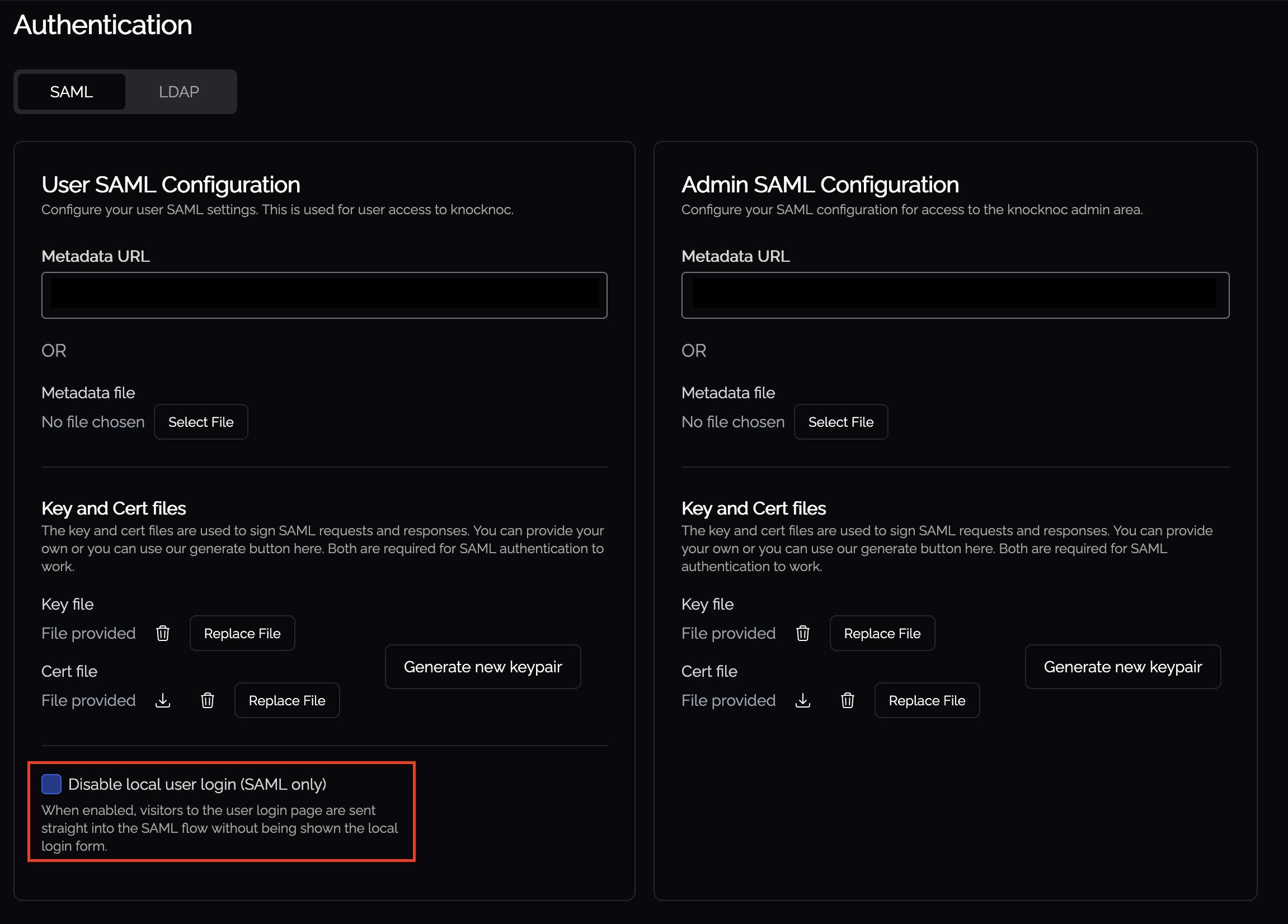
Disabling Local Authentication with SAML
If SAML is configured for users in Knocknoc, an option is available to disable local user logins. This removes the user login page from the web portal and instantly redirects users through to the configured SAML login process.