
Integrations Overview
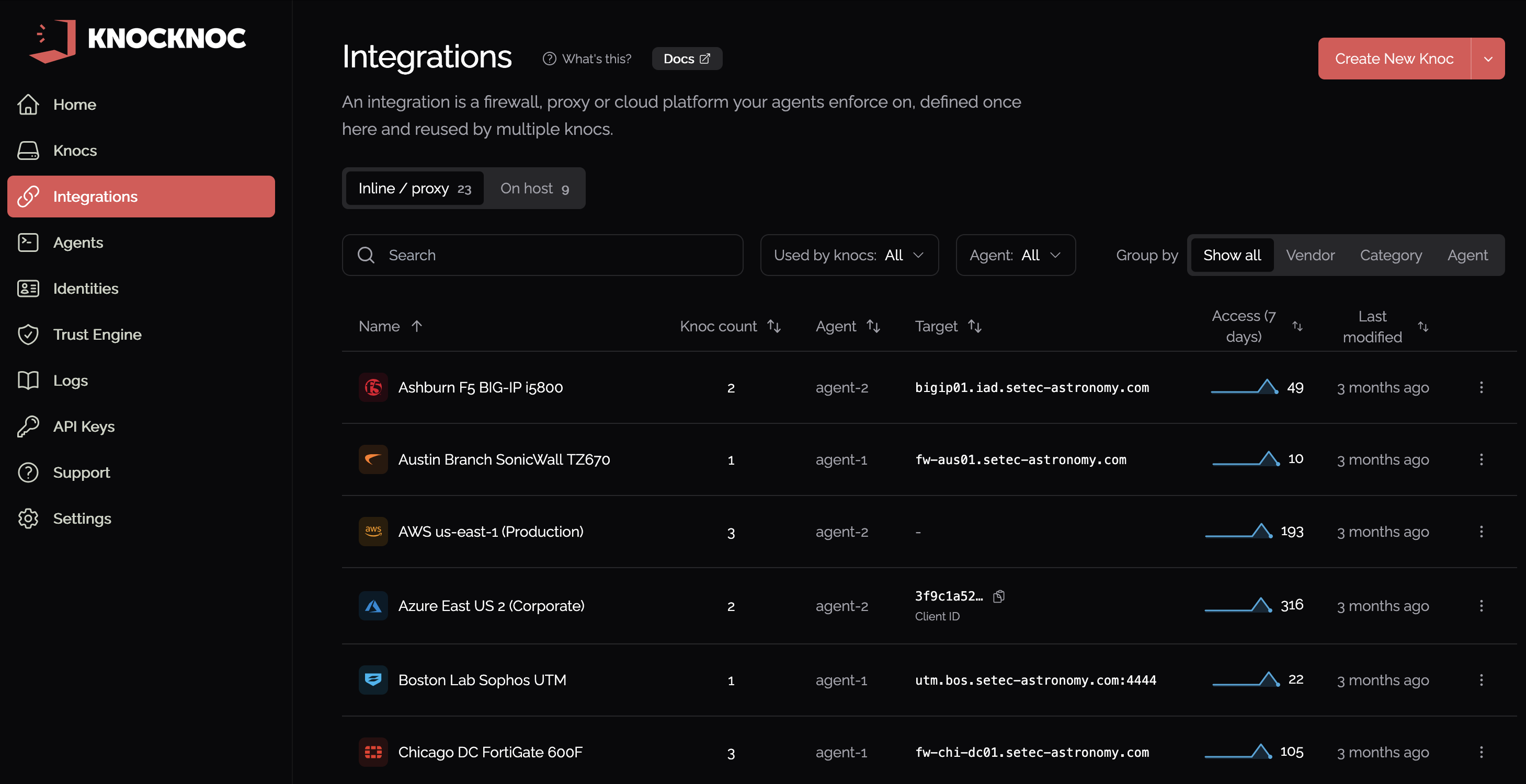
An integration is the connection to one firewall, proxy, cloud platform,platform or on-host enforcement point, together withplus the agent that reaches it and the credentials Knocknocthat usesagent touses. reach it. You define it once, and any number ofSeveral Knocs can share it.one integration.
Manage integrations under Admin > Integrations.
Why integrations
An integration holds a connection in one place, soWhen several Knocs onprotect services behind the same firewallfirewall, they share one copyintegration.
EachThe Knoc still definesdecides thewho gets access itand provides.on Thewhat integration is the connection; the Knoc is the rule.terms. See the Knocs page for who and thethose rules.
Integration types
Knocknoc integrates with several kinds of system.
- Firewalls such as FortiGate, PAN-OS and SonicWall.
- Cloud platforms such as AWS, Azure and GCP.
- Reverse proxies such as nginx and HAProxy.
- On-host enforcement
runningon the agent's ownmachinemachine:(ipset, nftables, pf, Windows Firewall, nginx,HAProxy,HAProxy or ascript).script.
Each type has its own setup page in this chapter.
Managing integrations
Admin > Integrations showshas everytwo integrationtabs:
Open an integration to see whichthe Knocs that use it, its agent and last-seen status, and its access activity.
BringMerge existingduplicate connections togetherintegrations
If several Knocs each hold their own copy of the same connection,system's details, open Admin > Integrations > Find duplicates. asks yourYour agents tocompare identifythe matchingintegrations connectionsthey hold and letsreport the ones that match, and you can merge themeach set into one shared integration. Every Knoc keeps its assignment.