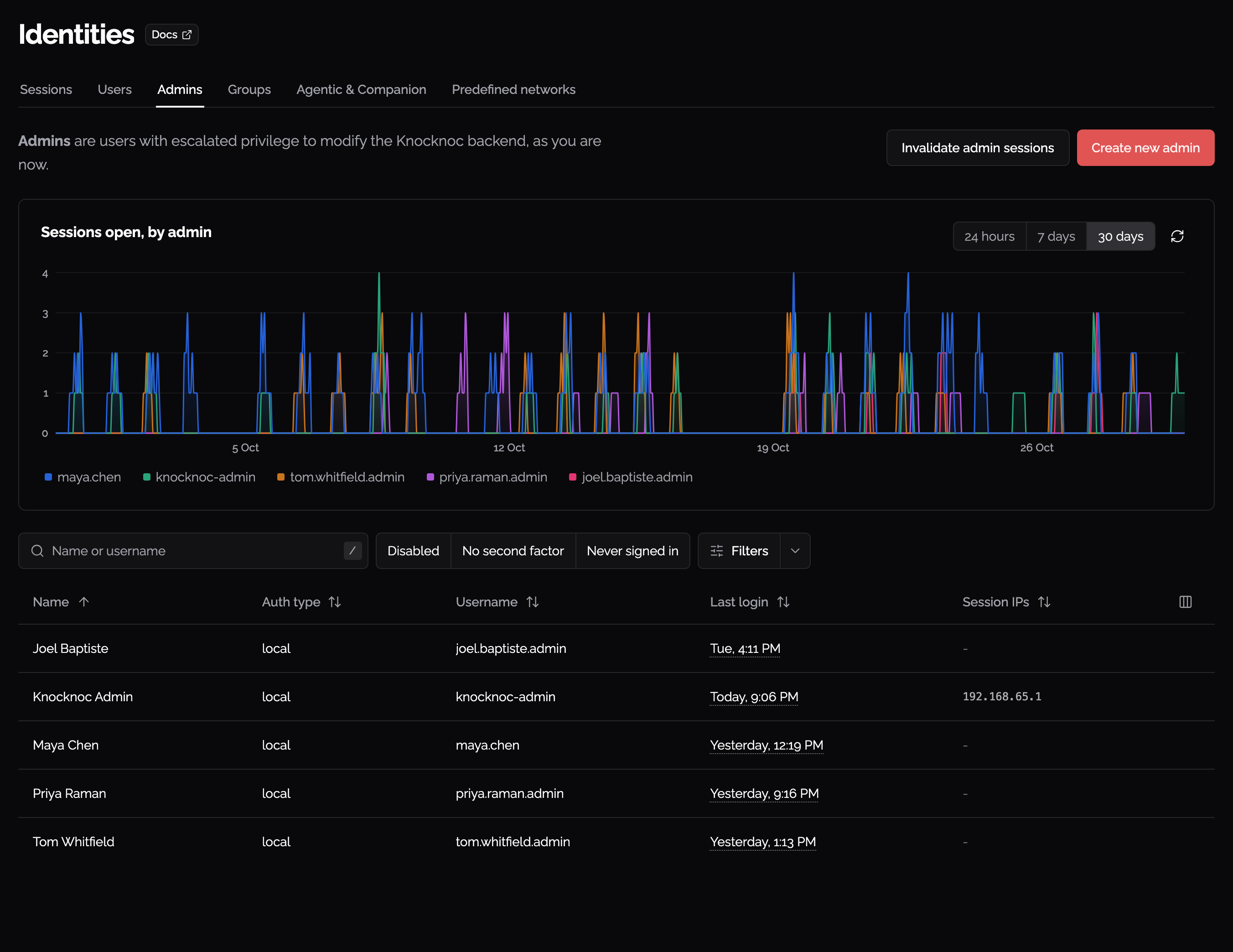
Admins
Admins in Knocknoc can log in to /admin on their Knocknoc server, however they can't be granted ACLs. This separates out regular logins from admin logins, and allows for best practice.

You can create an Admin using this dialog box if required. SAML is the preferred method of granting Admins however, as this provides for less secret sharing and 2FA. In this case, admins are named by the Admin group field under Settings > Authentication > SAML.
On first startup, a user called 'knocknoc-admin' is created, and is an admin. There is no non-admin user created.
The password for knocknoc-admin is generated randomly and available in your Licensing Portal for cloud instances, or in the logs on first startup for a self-hosted Knocknoc Server. Please change this password, or delete the knocknoc-admin user once you are confident your Admin authentication setup is complete.
To reset the knocknoc-admin password if you forgot it, you will need to do some database work that is best left to Knocknoc Support. Please contact Knocknoc support if this is required.
Where admins can sign in from
Under Settings > Authentication, Admin sign-in sources limits the addresses an admin may sign in from. Leave the list empty to allow any address. It covers both password and SAML sign-ins, and applies to new sign-ins only, so anyone already signed in stays signed in.
A sign-in from an address that is not on the list fails the same way a wrong password does, so it gives nothing away about the account.
Entries can be predefined networks. Saving a list that would shut out the address you are using is refused.
If you are locked out anyway, run knocknoc -clear-admin-login-sources on the server. It removes the restriction and takes effect immediately.
Admin activity
The Admins tab (under Identities) shows a Sessions open, by admin chart, over the last 24 hours, 7 days or 30 days. One admin’s own sign-ins and sign-outs are on their identity page, under Recent activity.